AI Assistants for Small Business: How to Build Your Own AI Marketing Team in 2026
Introduction: The Rise of AI Assistants for Small Business
The business landscape in 2026 is driven by automation, efficiency, and rapid digitalization. Small businesses face growing competition, limited resources, and higher customer expectations. AI assistants are no longer a futuristic concept—they are practical, affordable tools that can transform how small businesses operate, especially in marketing and sales.
Why AI Assistants Matter for Small Business Marketing
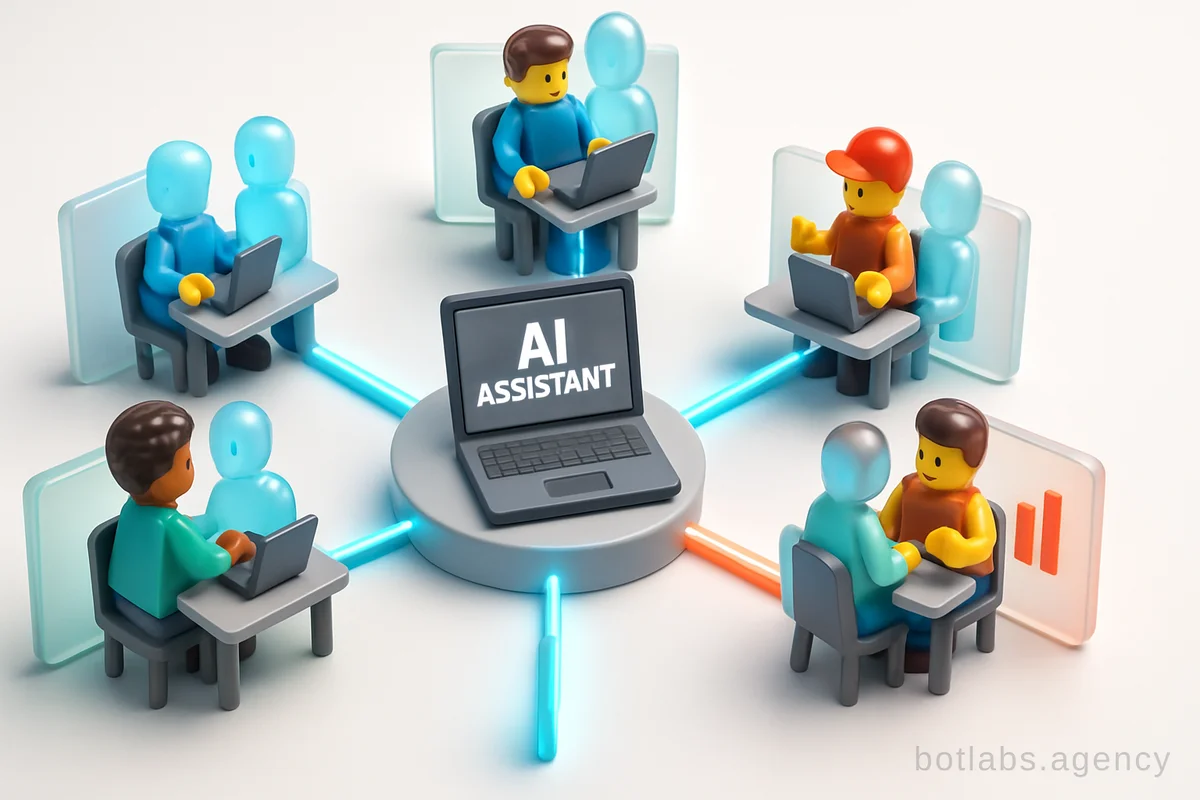
AI assistants are more than chatbots—they act as virtual team members, handling research, strategy, content creation, customer support, and reporting. For small businesses with lean teams, an AI assistant can fill critical skill gaps and scale operations without the overhead of hiring.
Real-World Impact
- UA Made (2025): After integrating an AI-driven Telegram bot, UA Made saw a 34% increase in repeat purchases thanks to automated loyalty programs and personalized outreach.
- B2B Service Company: Implementing an AI assistant to automate CRM sales funnels improved lead-to-customer conversion by 28%.
What Can AI Assistants Do?
| Task | AI Assistant Example | Time Saved |
|---|---|---|
| Competitor Analysis | Gemini 3.1 + Noble LM | 80% |
| Creative Asset Creation | Nano Banana MCP | 70% |
| Campaign Coordination | Anti-gravity Platform | 60% |
| Customer Support | AI Chatbot (Telegram, WhatsApp) | 90% |
Essential AI Tools for Building Your Marketing Team
In 2026, several AI tools stand out for small business marketing automation. At BotLabs, we recommend integrating smart assistants that work as a coordinated team, not isolated apps. Here’s how the ecosystem works:
Key Tools & Their Roles
- Gemini 3.1: Acts as your strategist—gathers context, coordinates workflows, and powers reasoning for all other tools.
- Noble LM: Your research analyst—turns documents, web data, and internal files into actionable insights.
- Nano Banana: Your creative director—generates and edits visuals, social posts, and campaign graphics.
- Anti-gravity: The builder—assembles websites, landing pages, and campaign assets, documents every step.
Team Structure Example
| Role | AI Tool | Function |
|---|---|---|
| Strategist | Gemini 3.1 | Briefing, Coordination |
| Research Analyst | Noble LM | Data & Market Research |
| Creative Director | Nano Banana | Visual Creation |
| Builder | Anti-gravity | Asset Assembly |
Step-by-Step: Building Your AI Marketing Workflow
1. Define Your Goals and Project Structure
Before launching any AI workflow, structure your project for clarity and efficiency. At BotLabs, we recommend:
- Agent Skills: AI assistant capabilities and custom workflows.
- Brand Folder: Mission, audience, tone, product descriptions.
- Content/Theme: Guidelines for voice, visuals, and brand personality.
- Outputs: All deliverables and campaign results.
- Playbook: SOPs, strategy frameworks, best practices.
2. Connect and Configure Your AI Tools
Set up each tool and ensure they’re connected for seamless handoff. For example:
- Install Noble LM and integrate it with your marketing strategy skill.
- Use Gemini 3.1 as the central “brain” to coordinate tasks and pull from all folders.
- Connect Nano Banana for creative visual output, and Anti-gravity for asset assembly.
3. Run a Sample Workflow: Competitor Research to Campaign Launch
Example:
- Use Noble LM to perform deep competitor research. Enable “deep research mode” for comprehensive data.
- Have Gemini 3.1 synthesize findings into a strategic brief.
- Pass the brief to Nano Banana to generate creative assets (ad banners, social visuals).
- Use Anti-gravity to assemble a campaign landing page and document results.
This modular, reproducible process means you can launch new campaigns faster and with higher ROI.
Practical Tips: Maximizing Your AI Assistant ROI
- Start Small: Pilot AI in one area (support, research, or creative). Measure impact before scaling.
- Iterate Often: Use feedback loops—review AI outputs, refine briefs, and update your brand playbook.
- Train and Fine-tune: Provide clear examples and past campaign data. The more context AI has, the better its outputs.
- Track Metrics: Monitor KPIs like lead response time, repeat purchase rate, and campaign ROI.
| Metric | Pre-AI (2024) | Post-AI (2026) |
|---|---|---|
| Lead Response Time | 2 hours | 30 seconds |
| Campaign Launch Time | 4 weeks | 1 week |
| Repeat Purchases | +0% | +34% |
Common Challenges and How to Overcome Them
- Generic Outputs: Always load brand guidelines and examples into your AI tools.
- Disconnected Tools: Integrate your stack—use Gemini 3.1 as the central coordinator.
- Lack of Human Oversight: Use AI for delegation, not replacement. Review outputs and iterate.
Future Trends: Where AI Assistants for Small Business Are Heading
- Multimodal Capabilities: AI can now understand text, images, video, and audio in workflows.
- Live Integrations: Real-time connections to marketing platforms, CRM, and analytics.
- Personalization at Scale: Hyper-targeted campaigns driven by AI insights.
Case Studies: Success Stories from BotLabs Agency
- UA Made: Automated loyalty and personalized messaging—repeat purchases up 34%.
- B2B CRM Integration: AI-led sales funnel—conversion rate up 28%.
- Jewelry Retailer: AI-powered customer support—response time reduced from 2 hours to 30 seconds.
Read more success stories on our blog.

Need a chatbot for your business?
We automate your processes and boost sales.