Business Dashboards in 2026: Your Essential Guide to Data-Driven Management
Introduction: Why Dashboards Matter More Than Ever
In 2026, data-driven decision-making isn't just a trend—it's a necessity. With businesses gathering more data than ever, the challenge is no longer collection, but clarity. Enter the business dashboard: a real-time control panel that transforms raw numbers into actionable insights. Whether you're managing sales, marketing, operations, or HR, dashboards are the backbone of effective management in the digital age.
What is a Business Dashboard?
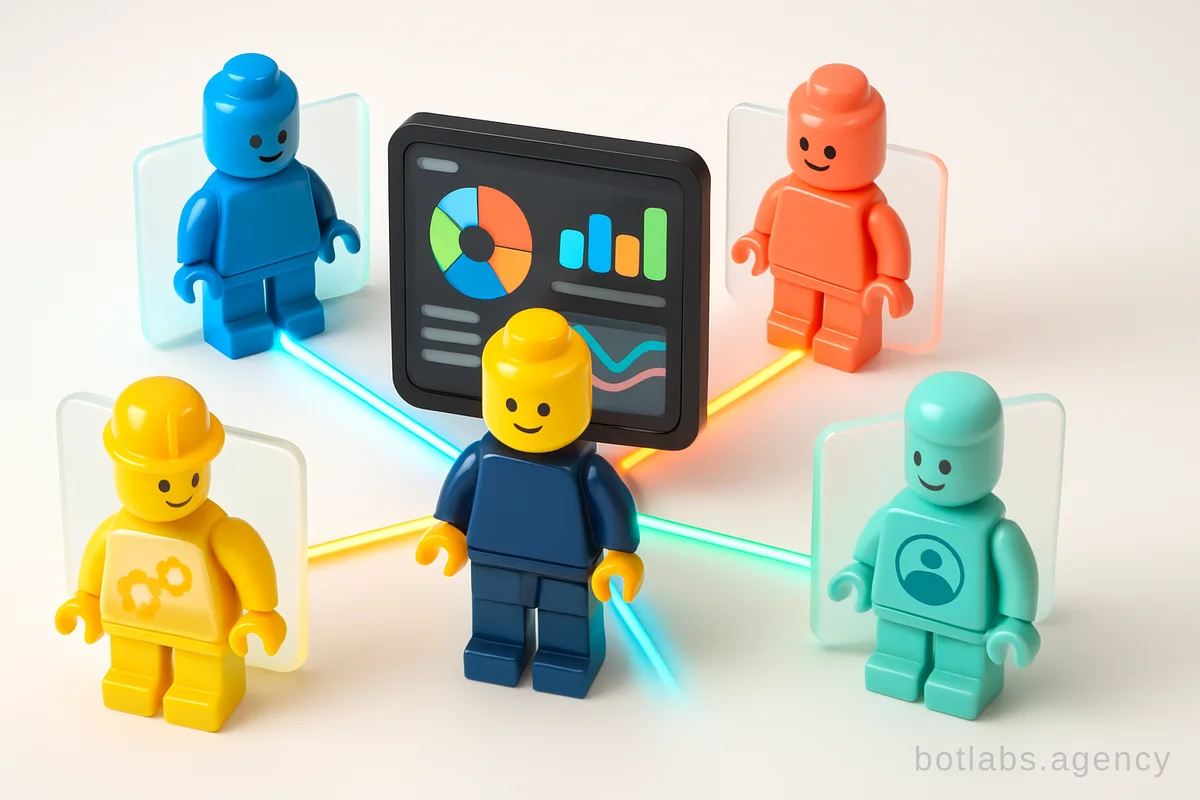
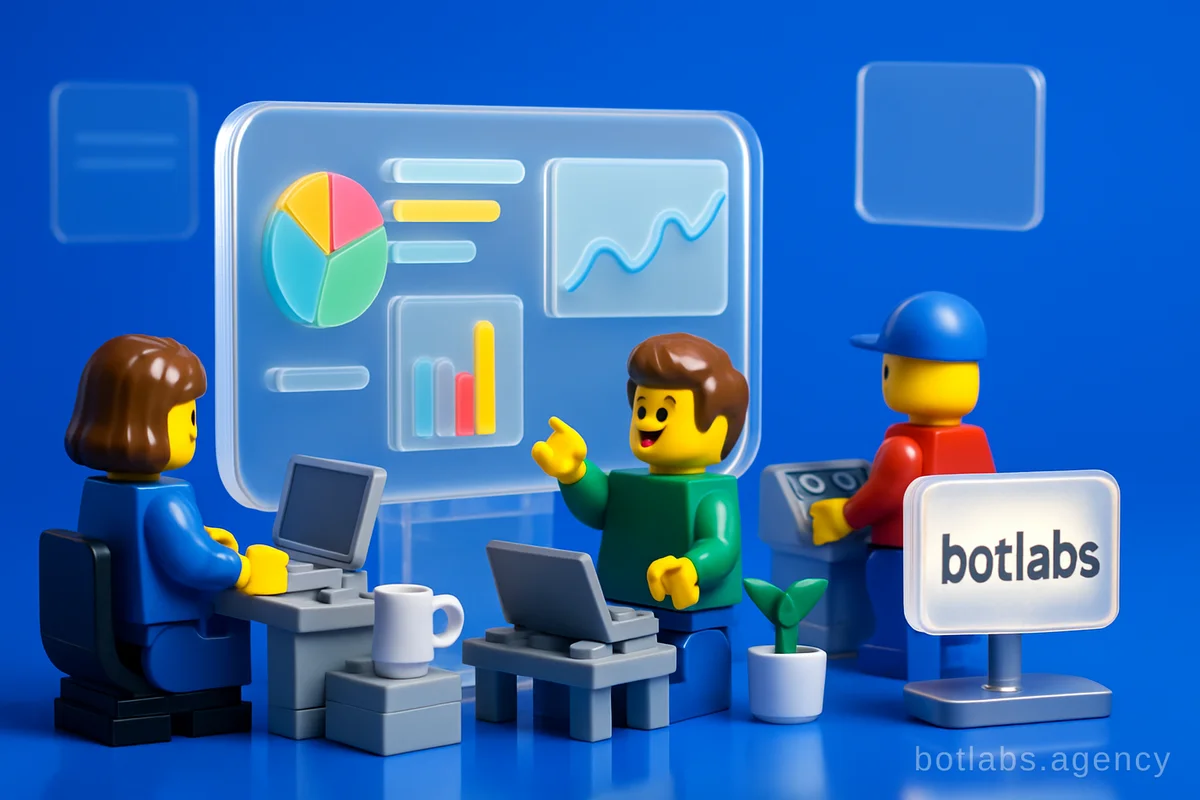
A business dashboard is an interactive panel that consolidates your company's key performance indicators (KPIs), metrics, and analytics into a single, visual interface. Think of it as the cockpit of your business—a place where you can instantly see sales, marketing ROI, financial health, and more, all in one glance.
Tip: The best dashboards update automatically, eliminating the need for manual reporting and ensuring you always have the latest data.
Key Features
- Real-time data visualization
- Integration with CRM, Excel, Google Sheets, and marketing tools
- Customizable views for different departments
- Access from any device—mobile or desktop
Core Benefits of Dashboards for Modern Businesses
1. Unified Analytics
No more toggling between spreadsheets. Dashboards aggregate data from sales, marketing, finance, and HR, providing a holistic business overview.
2. Accelerated Decision-Making
When your KPIs are always up-to-date and visualized, managers and teams can act quickly—whether that's doubling down on a winning campaign or addressing a sales dip.
3. Improved Accountability
Dashboards make performance transparent. Set clear goals, track progress, and keep everyone aligned, from frontline staff to executives.
4. Enhanced Collaboration
Share interactive dashboards with teammates and stakeholders, set permissions, and foster a culture of data-driven collaboration.
5. Scalability
Whether you run a boutique agency or a multinational chain, dashboards scale with your needs—adding new data sources and metrics as your business grows.
Types of Dashboards: Choosing the Right Fit
Not all dashboards are created equal. Here are the most common types and their use-cases:
| Dashboard Type | Main Use Cases | Example Metrics |
|---|---|---|
| Operational | Daily monitoring, real-time | Sales today, traffic, errors |
| Strategic | Long-term trends, planning | Quarterly growth, goals |
| Analytical | Deep dives, segmentation | Customer behavior, campaigns |
| Departmental (HR, Sales, Finance) | Team-specific insights | Turnover, pipeline, margins |
Tip: Start with an operational dashboard for daily management, then add strategic and analytical dashboards as your data maturity grows.
Building a Dashboard: A Step-by-Step Guide
Creating a dashboard is easier than ever thanks to modern BI tools. Here's a proven workflow used by leading companies:
- Identify Key Metrics: Define what matters most—sales, conversion rates, customer retention, etc.
- Set Clear Objectives: Establish what decisions the dashboard will inform.
- Map Your Data Sources: CRM, web analytics, accounting software, spreadsheets.
- Design the Layout: Use intuitive drag-and-drop tools to arrange charts, graphs, and filters.
- Connect and Test Data: Ensure accurate, real-time data feeds.
- Iterate with Stakeholders: Gather feedback from end-users and refine.
- Deploy and Train: Roll out to teams and provide basic usage training.
Practical Example: Retail Chain Dashboard
A retail network might track:
- Total sales and receipts by store
- Cashier efficiency during peak hours
- Category turnover and top-performing SKUs
- Loyalty program effectiveness
- Supplier performance and inventory
Best Practices for Dashboard Design
- Keep it simple: Focus on the essentials and avoid clutter.
- Choose the right visuals: Bar charts for comparisons, line graphs for trends, pie charts for proportions.
- Highlight trends and anomalies: Use color coding and alerts.
- Ensure data freshness: Set up automatic refresh intervals and display last update times.
- Make it interactive: Allow users to drill down, filter by period, and customize views.
The Role of Dashboards in AI-Powered Automation
In 2026, dashboards aren't just about tracking—they're about driving action. Integrated with AI chatbots and automation platforms, dashboards can trigger alerts, recommend actions, or even automate routine tasks. For example, a sudden drop in sales could prompt an AI-powered chatbot to suggest targeted campaigns or adjust inventory levels automatically.
For more on chatbot-driven business automation, see How to Automate Your Sales with Telegram Business in 2026.
Tools and Platforms: What to Use in 2026
Popular tools for dashboard creation include:
- Google Looker Studio: Free, integrates with Google ecosystem
- Tableau: Powerful visualization, free public version available
- Power BI: Deep integration with Microsoft services
- Custom Solutions: For industry-specific needs (e.g., Datawiz for retail)
Tip: Choose a platform that matches your team's technical skills and integrates seamlessly with your existing data sources.
Callout: ROI and Real-World Impact
BotLabs Agency's experience shows that companies implementing unified dashboards see measurable results:
- +34% repeat purchases (loyalty program dashboard)
- 28% higher lead conversion (CRM-integrated sales dashboards)
- Response time cut from 2 hours to 30 seconds (AI-powered support dashboards)
Common Dashboard Pitfalls and How to Avoid Them
- Overcomplicating visuals: Too many charts can overwhelm users.
- Outdated data: Manual updates lead to errors—automate where possible.
- Ignoring end-users: Design with real needs and workflows in mind.
- Siloed data: Integrate sources to avoid partial, misleading insights.
Table: Dashboard Data Sources and Integrations
| Data Source | Example Integration |
|---|---|
| CRM (e.g., Pipedrive) | Customer pipeline, sales |
| Marketing Analytics | Traffic, ROI, campaign CPL |
| Finance | Revenue, expenses, LTV |
| HR | Turnover, performance |
| Spreadsheets (Excel/GS) | Custom metrics, forecasting |
Practical Tips for Dashboard Success
- Automate data collection and updates
- Limit KPIs to those that matter most
- Train your team on dashboard usage
- Regularly review and refine dashboards as your business evolves
Conclusion: Dashboards as Your Business Copilot
A well-built dashboard is more than just a reporting tool—it's your business's control center. By centralizing data, increasing transparency, and enabling rapid action, dashboards empower teams to move faster and smarter in 2026. Whether you're running a retail chain or a fast-growing startup, the right dashboard can be the difference between reactive and proactive management.
For more insights, explore our blog on chatbots and automation for business in 2026.
Q1: What KPIs should I track on my dashboard?
A1: Focus on metrics tied to your business goals—sales, conversion rates, ROI, customer retention, and team efficiency are common starting points.
Q2: How often should dashboards update?
A2: Ideally, dashboards update in real time or at least daily. Automation is key to keeping data accurate and timely.
Q3: Can dashboards integrate with AI chatbots?
A3: Absolutely. Modern dashboards can work with AI chatbots to provide alerts, automate tasks, or guide users through data-driven decisions.

Need a chatbot for your business?
We automate your processes and boost sales.