Business Process Automation in 2026: Strategies, Tools, and Real-World Value
Introduction: Automation as a Business Imperative in 2026
Automation is no longer a futuristic concept—it's a core driver of business transformation and competitiveness in 2026. Whether you're a startup, an SME, or a large enterprise, the pressure to do more with less has never been greater. Thanks to advances in AI, low-code development, and cloud solutions, automation is now accessible and impactful for businesses of all scales. In this article, we explore the strategies, tools, and real-world results of business process automation, with a practical, ROI-focused approach.
Tip: Before automating, clarify your goals. Automation amplifies efficiency only when applied to stable, well-understood processes.
What Is Business Process Automation?
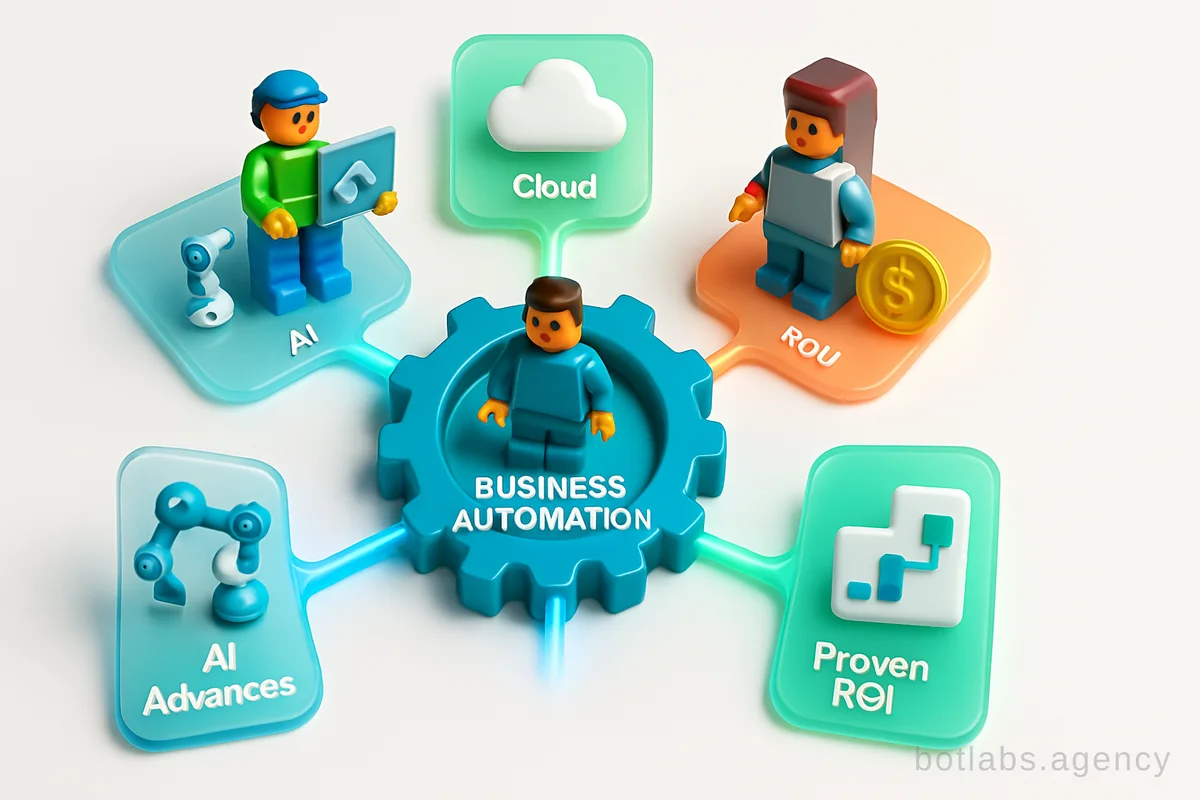
Business process automation (BPA) involves implementing technology and software to execute repetitive, rule-based tasks with minimal human intervention. The aim is to maximize efficiency, reduce costs, minimize errors, and free up staff for higher-value work. Automation can span HR onboarding, finance, sales, marketing, customer support, and more.
Key Benefits:
- Time Savings: Software executes tasks faster and more reliably than manual labor.
- Cost Efficiency: Initial investments pay off by lowering payroll and operational costs long term.
- Revenue Growth: Faster, error-free processes drive higher sales and customer satisfaction.
- Employee Engagement: Staff can focus on creative and strategic work, reducing burnout.
Which Processes Should You Automate?
Not every task is a candidate for automation. Focus on workflows that are:
- Highly repetitive and standardized
- Time-consuming or error-prone
- Involving data entry or transfer between systems
- Requiring handoffs between departments
- Affecting customer experience directly (e.g., order processing, support)
Examples of Automatable Business Processes
| Department | Process Example | Automation Approach |
|---|---|---|
| HR | Employee onboarding | Automated emails, checklists, digital signatures |
| Finance | Invoice processing | OCR, auto-approval workflows, integration with ERP |
| Sales | Lead management | Automated capture and assignment in CRM |
| Operations | Inventory tracking | Real-time dashboards, reorder triggers |
| Marketing | Campaign management | Scheduled posts, segmented email sends |
| Customer Support | FAQ handling | AI chatbots, ticket routing |
Real-World Case Studies: Automation ROI in Action
Consider the following case from BotLabs Agency:
- UA Made Retail Chain: Telegram bot implementation increased repeat purchases by 34% through automated loyalty programs.
- AI Chatbot for Support: Reduced average response time from 2 hours to just 30 seconds, enabling 24/7 customer service without scaling the support team.
- CRM Integration for B2B: Automated sales funnel steps, resulting in a 28% increase in lead conversion rates.
These results are not outliers but reflect what’s possible when automation is applied thoughtfully to core business processes. See more case studies.
Tools and Technologies: From AI to Low-Code
1. AI-Powered Automation
Artificial intelligence is revolutionizing automation by handling tasks that require understanding, prediction, or personalization. AI chatbots, for instance, can answer customer queries, qualify leads, or even generate content (see how AI agents transform content creation).
2. CRM and ERP Systems
Modern CRM (Customer Relationship Management) and ERP (Enterprise Resource Planning) platforms offer built-in automation for data entry, workflows, reporting, and customer engagement. Over 90% of businesses now use CRM automation to manage client relationships and sales pipelines efficiently.
3. Low-Code/No-Code Platforms
Low-code tools democratize automation. Using visual drag-and-drop interfaces, business users can create workflows without deep programming knowledge. This accelerates development, reduces costs, and allows quick adaptation as business needs evolve.
Table: Popular Automation Tool Types
| Tool Type | Use Case Examples | Audience |
|---|---|---|
| AI Chatbots | Support, sales, onboarding | Any business |
| CRM Automation | Lead management, follow-up | Sales, marketing |
| Low-Code Platforms | Custom workflows | SMEs, enterprises |
| RPA Bots | Data entry, reconciliation | Finance, ops |
Tip: Start with low-hanging fruit—automate the simplest, most repetitive tasks first to gain quick wins and staff buy-in.
Step-by-Step: How to Launch Automation in Your Business
- Identify Bottlenecks: Map your business processes and spot repetitive, error-prone, or slow steps.
- Set Clear Objectives: What ROI or efficiency gain are you targeting? Be specific.
- Choose the Right Tools: Match your needs to available technology—AI, CRM, low-code, or ready-made SaaS solutions.
- Pilot & Iterate: Start small, measure results, and refine processes before scaling up.
- Train Your Team: Invest in staff training to ensure adoption and maximize the value of automation.
- Monitor & Optimize: Use analytics to track performance and continuously improve automated workflows.
Callout: Common Pitfalls to Avoid
- Over-automation of unstable or unclear processes can create chaos.
- Failing to consider the human element—automation should support, not replace, your team.
- Underestimating the need for change management and training.
The Economic Impact: Automation and Business Growth
Data from McKinsey and industry surveys in 2026 confirm:
- Companies embracing automation cut operational costs by 25-30% on average.
- Error rates drop dramatically, protecting businesses from costly mistakes.
- Employee retention improves as repetitive workload decreases, boosting morale and productivity.
- Customer satisfaction rises due to faster response and higher service quality.
Table: Automation Benefits at a Glance
| Benefit | Description |
|---|---|
| Cost Savings | Lower payroll and reduced human error |
| Speed | Faster task completion, quicker time-to-market |
| Quality | Consistent, error-free execution |
| Employee Satisfaction | Less drudgery, more meaningful work |
| Customer Loyalty | Better, faster service and personalized experiences |
Practical Tips for Successful Automation
- Involve Stakeholders Early: Get input from all departments affected by automation.
- Prioritize Integration: Choose tools that play well with your existing systems.
- Measure Everything: Use analytics to prove ROI and identify improvement areas.
- Maintain Flexibility: Business needs change; your automation should too.
Tip: Low-code and AI tools can make automation affordable and flexible—even for smaller businesses.
Q1: How do I know if my company is ready for automation?
A: If your processes are well-defined, repetitive, and you face bottlenecks or errors, you're ready. Start with a pilot project to assess the impact.
Q2: Will automation replace jobs in my company?
A: Automation shifts human effort to higher-value work. Roles may evolve, but the goal is to empower—not replace—your workforce.
Q3: What’s the typical ROI for business process automation?
A: Studies show 25-30% cost savings and significant revenue growth are achievable within the first year, depending on the scale of implementation.
---
For more insights and real-world automation strategies, explore the BotLabs Agency blog and in-depth guides on Telegram Mini Apps and AI chatbots.

Need a chatbot for your business?
We automate your processes and boost sales.