How Telegram Business Features Can Boost Your Sales in 2026
Why Telegram Business Matters for Modern Companies
In 2026, Telegram isn’t just a messaging app—it's a powerhouse platform for business growth. Businesses from startups to enterprises have discovered that Telegram Business features can streamline interactions and boost customer engagement. At BotLabs Agency, we've witnessed how implementing these tools can translate directly into increased sales, more loyal customers, and simplified team workflows.
The Edge Over Other Messaging Platforms
Unlike traditional platforms that limit your options or require separate business apps, Telegram takes a unified approach. By subscribing to Telegram Premium, organizations get access to advanced business features without the headaches of app-switching or chat migrations. This means your team can manage everything under a single roof—from automated replies to team collaboration.
Telegram's unique strengths include:
- No user limitations: Invite as many team members as required.
- Robust desktop app: Unsurpassed stability and usability.
- Integrated features: No need for third-party integrations for core actions.
Key Telegram Business Features to Drive Sales
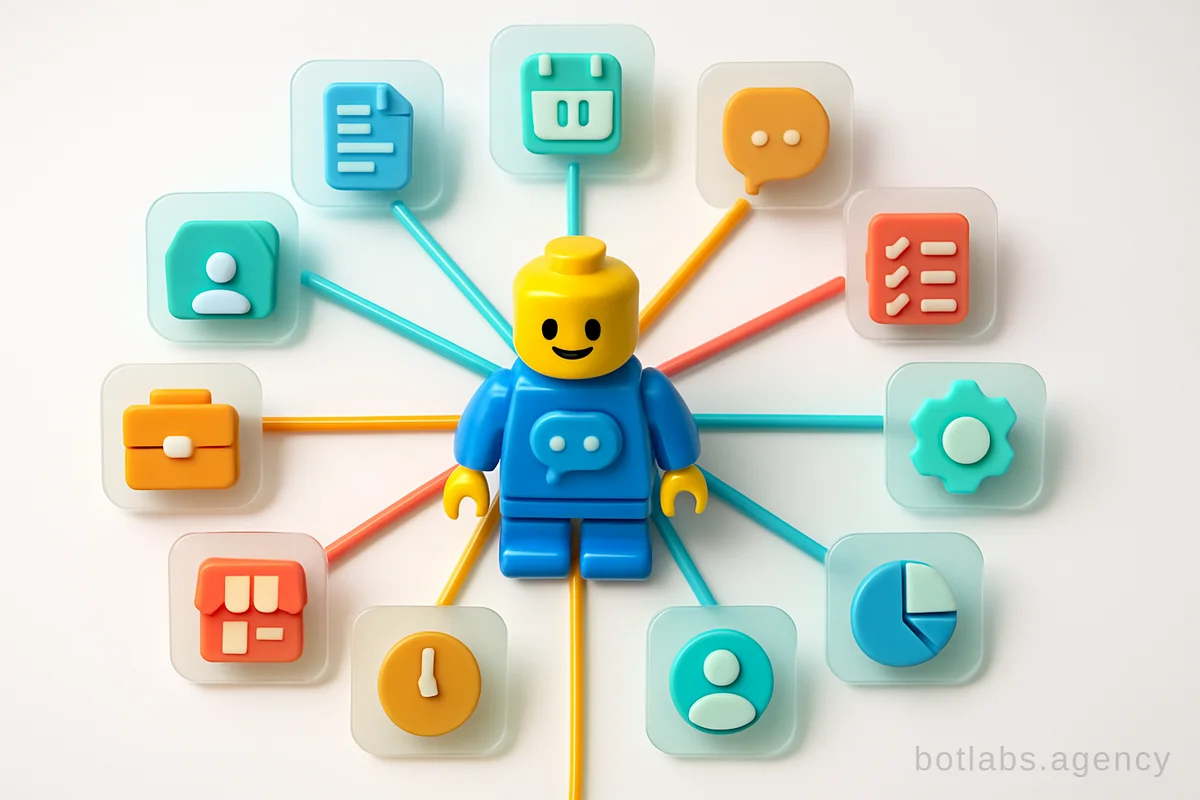

Telegram Business isn’t just about messaging; it’s about enabling outcomes. Here are the most impactful features that BotLabs recommends for 2026:
1. Enhanced Business Profiles
Your Telegram business profile is more than a contact card. Complete it with:
- Location & Address
- Working hours (crucial for customer trust and clear communication timeframes)
- Contact details & links to other channels (like your public group or additional resources)
- Pin stories/highlights that showcase your products or customer testimonials
Tip: Businesses that optimize profiles see up to a 50% increase in first-contact conversion, based on BotLabs client case studies.
2. Automated Quick Replies and Greetings
Tired of repeating the same answers? Deploy 'quick replies'—custom message templates accessible via simple commands. For example, when customers ask for prices or product details, trigger a pre-written response instantly. This minimizes response times and reduces manual workload.
Best practice: Create a bank of quick replies for your most common customer questions. Keep them personalized and brand-friendly.
Automated greetings are sent to new contacts or selected chats—acknowledge inquiries instantly, indicate estimated response times, and funnel customers toward next actions (like checking your chatbot portfolio).
3. Out-of-Hours Auto-Responses
Missing messages after hours? Set up auto-responses that explain when you’ll follow up or direct clients to self-service resources—ensuring you never leave a prospect waiting.
4. Customized Contact Links and Campaign Tracking
Generate unique contact links with pre-set messages. Share these links on various platforms—be it blog posts, social profiles, or partner websites. Track clicks to understand which campaigns or sources drive the most leads.
Real-world use: A BotLabs client used customized Telegram links on restaurant flyers to attribute over 40% of new bookings to offline campaigns.
5. Business Chatbots and Inline Bots
Automation is at the heart of modern customer service in 2026. Telegram chatbots can:
- Auto-respond to predefined keywords or customer actions
- Guide customers through shopping, booking, or troubleshooting
- Collect data or trigger CRM workflows
Example: Integrate a BotLabs-developed chatbot with your CRM so every Telegram conversation is logged and actionable for your sales team.
6. Tags, Folders, and Smart Organization
Use tags or folders to organize conversations by lead status, priority, or responsible manager. This ensures no message is lost and your team always knows what to focus on next.
7. Story Publishing and Profile Archives
Publish stories about your products, behind-the-scenes, or customer wins. Pin or archive stories for new visitors to see—building trust and providing social proof even before a conversation starts.
Pro-tip: Use story replies as a lead funnel; integrate with your CRM system to capture and follow up automatically. BotLabs supports Bitrix24 and OCS integrations for seamless data flow.
Practical Implementation: Getting Started
Step-by-step roadmap:
- Get Telegram Premium for your business account.
- Complete your business profile—include all key info and set a link to your main channel.
- Build a library of quick replies and auto-greetings using common client questions.
- Create contact links and distribute via digital and offline touchpoints.
- Deploy a custom chatbot—consult with BotLabs to tailor its flows for your use case.
- Organize chats with folders and tags for maximum efficiency.
- Publish and archive regular stories related to your brand, products, and customer feedback.
Actionable Tips From BotLabs Agency
- Review your Telegram analytics regularly to identify high-performing messages and links.
- Integrate with your CRM: Every message counts. Track, tag, and convert leads automatically.
- Iterate your quick replies based on evolving customer needs and feedback.
- Leverage chatbots for FAQs, order processing, and product showcases.
- Use stories for updates, launches, or promotions—invite customers to interact.
Ready to unlock Telegram’s full business potential in 2026? Get your free consultation on chatbot development with BotLabs Agency or see our chatbot portfolio to discover solutions that grow sales and efficiency today.

Need a chatbot for your business?
We automate your processes and boost sales.