No-Code Automation: How Small Businesses Can Unleash Efficiency in 2026
Introduction: The Age of No-Code Automation
The digital transformation of small businesses has accelerated rapidly in the past few years. In 2026, no-code automation stands out as one of the most powerful tools, enabling entrepreneurs and teams to optimize operations, boost productivity, and innovate—without needing a single line of code. But what exactly is no-code automation, and why is it revolutionizing the way small businesses work?
What Is No-Code Automation?
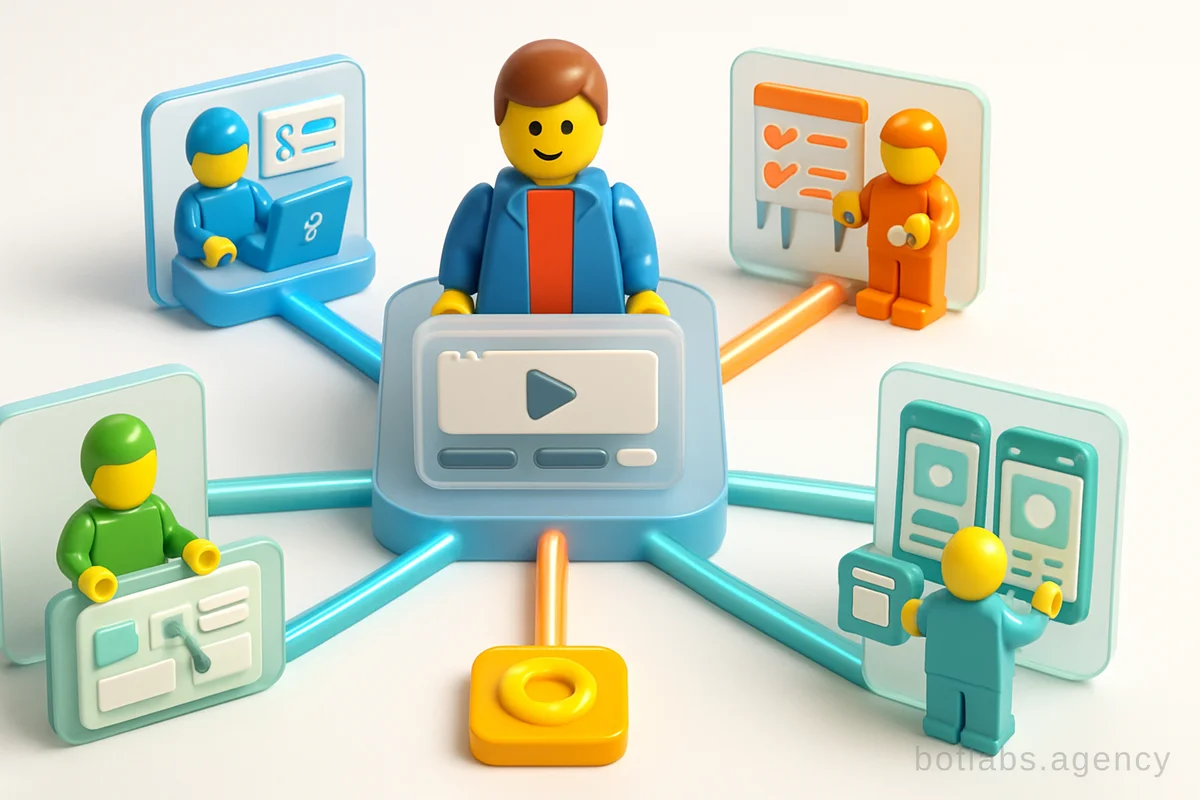
No-code automation refers to platforms and tools that allow users—regardless of their programming skills—to create applications, workflows, and integrations through visual interfaces and drag-and-drop components. Unlike traditional software development, these platforms require no programming knowledge, making automation accessible to everyone from business owners to front-line staff.
No-code tools typically offer:
- Visual workflow builders
- Ready-made integrations (connectors) for popular apps
- Templates for common business processes
- AI/ML configuration wizards
- Centralized dashboards for process management
Tip: No-code automation is not just for IT teams. Anyone in your business can design or customize workflows to streamline daily operations.
Why Small Businesses Need Automation in 2026
The market is more competitive than ever, with customers expecting speed, personalization, and efficiency. Automating business processes delivers five key advantages for small businesses:
- Efficient Data Management: Automated systems collect, process, and analyze data from multiple sources, eliminating manual errors and saving time.
- Productivity Gains: By reducing repetitive manual work, employees can focus on high-value activities like customer engagement and strategic planning.
- Faster Lead Handling: Automated lead capture and management accelerates sales cycles and improves conversion rates.
- Improved Team Coordination: Tasks are automatically assigned, deadlines tracked, and communication streamlined, fostering better collaboration.
- Cost Optimization: Automation cuts operational costs by reducing the need for manual labor and preventing costly mistakes.
Practical No-Code Tools for Small Business Automation
Modern no-code automation platforms have made integration and process automation easier than ever. Here’s a comparison of leading solutions popular among small businesses in 2026:
| Platform | Key Features | Pricing (USD/month) | Best For |
|---|---|---|---|
| Zapier | 5,000+ app integrations, visual workflow | from $29 | Marketing, e-commerce |
| Integromat | Custom logic, real-time data processing | from $15 | Operations, IT workflows |
| Creatio | End-to-end business process automation | from $50 | CRM, customer service |
| ApiX-Drive | Quick setup, marketing integrations | from $19 | Lead management, reporting |
Tip: Many no-code platforms offer free trials or a limited free tier—test before you commit.
How to Build an Automated Workflow: Step-by-Step
Let’s break down the process of creating a no-code automated workflow using a typical platform (e.g., ApiX-Drive):
- Register an account on your chosen no-code platform.
- Select your source system (where data originates—e.g., Facebook Ads, website form).
- Define the trigger/action (e.g., new lead captured, form submitted).
- Choose the destination system (e.g., CRM, email marketing tool, Google Sheets).
- Configure data mapping and scheduling (set up how and when data is transferred).
- Test and launch your automated workflow.
Most modern no-code tools guide you through these steps with intuitive UIs and offer troubleshooting tips along the way.
Real-World Use Cases for No-Code Automation
No-code automation isn’t just theory—it’s powering real business outcomes. Here are some practical examples for small businesses:
- Lead Capture: Automatically transfer new leads from social ads to a CRM or Google Sheets for immediate follow-up.
- Order Notifications: When a new order is placed, instantly notify your team in Slack or via SMS.
- CRM Updates: Sync contact or deal data between your website, email campaigns, and CRM.
- Form Responses: Collect customer feedback through webforms and route responses directly to your support dashboard.
- HR Onboarding: Automate document collection and task assignment for new hires without IT involvement.
Callout: The ROI of No-Code Automation
Case Example: A retail chain used no-code workflows to automate loyalty program enrollments, reducing manual data entry by 90% and boosting repeat purchases by 34%. Read more about chatbot automation in business.
No-Code vs. Low-Code: What’s the Difference?
While both no-code and low-code platforms aim to simplify software development, there are key distinctions:
- No-code: Designed primarily for non-technical users, requiring no programming at all. Ideal for standard workflows and business processes.
- Low-code: Allows for visual development but also supports custom code snippets for more complex scenarios. Suited for advanced users who may need to extend functionality.
| Feature | No-Code | Low-Code |
|---|---|---|
| Coding Needed | No | Minimal |
| User Target | Business users | Developers/IT |
| Customization | Limited | Advanced |
| Typical Use | Standard processes | Complex systems |
Choosing the Right No-Code Platform: Key Considerations
With dozens of options on the market, how do you choose the best no-code automation tool for your business?
- Integration Library: Does it support your key apps (CRM, messengers, e-commerce, etc.)?
- Ease of Use: Is the interface intuitive for your team?
- Scalability: Will the platform grow with your business?
- Security & Compliance: Does it meet your industry’s data protection standards?
- Support & Community: Are there tutorials, active forums, and responsive customer support?
Tip: Always start with your business goals—define what you want to automate, then find the tool that fits.
No-Code Automation in Action: Examples from BotLabs Agency
At BotLabs Agency, we’ve seen firsthand how no-code automation transforms small businesses:
- E-commerce Bots: We developed Telegram bots for retail brands, automating customer support and loyalty programs—boosting repeat purchases by 34%.
- AI Chatbots: Automated support bots reduced average response times from 2 hours to 30 seconds, freeing staff for complex queries.
- CRM Integrations: Automated lead funnels increased lead-to-sale conversion by 28%.
Explore more case studies and chatbot automation insights on our blog.
Common Pitfalls and How to Avoid Them
Despite the simplicity of no-code tools, businesses often face these challenges:
- Poor process mapping before automation—always document your workflows first.
- Over-automation—don’t automate processes that require human judgment.
- Lack of change management—train your team and ensure buy-in before rolling out new tools.
Table: Top Tasks to Automate with No-Code Platforms
| Department | Task Example | Automation Outcome |
|---|---|---|
| Marketing | Lead capture and nurturing | Faster follow-up, more sales |
| Sales | Deal tracking and CRM updates | Fewer errors, better insights |
| HR | Onboarding paperwork | Smoother hiring process |
| Support | Ticket assignment and alerts | Faster response times |
| Finance | Invoice creation and reminders | Timely payments, less admin |
Q1: Is no-code automation secure for handling sensitive business data?
A: Leading no-code platforms use robust encryption and comply with data protection standards, but always review each provider’s security features before onboarding.
Q2: Can I scale no-code workflows as my business grows?
A: Yes—most platforms offer scalable plans and support integration with enterprise systems as your needs evolve.
Q3: How much technical skill do I need to start with no-code automation?
A: Basic digital literacy is enough. Most platforms offer tutorials and support to help you get started quickly.
---
Ready to streamline your business with no-code automation? Contact BotLabs Agency for a free chatbot automation consultation.

Need a chatbot for your business?
We automate your processes and boost sales.