Chatbots for Online Courses: How Automation Transforms Digital Education in 2026
Introduction: The Rise of Chatbots in Online Education
In 2026, the digital learning landscape is rapidly evolving. Online courses are no longer limited to static video libraries or isolated learning portals. Modern learners expect dynamic, interactive, and accessible experiences—anywhere, anytime. Enter the chatbot: a virtual assistant that automates learning, engages students, and drives business results for education providers.
Chatbots, once seen as simple auto-responders, now offer a full suite of capabilities. They can deliver personalized lessons, automate onboarding, collect feedback, and even drive sales—all within popular messaging apps familiar to your audience. In this comprehensive guide, we'll explore the benefits, formats, and practical implementation of chatbots for online courses, drawing on real-world cases and proven strategies.
Why Chatbots are Game-Changers for Online Courses
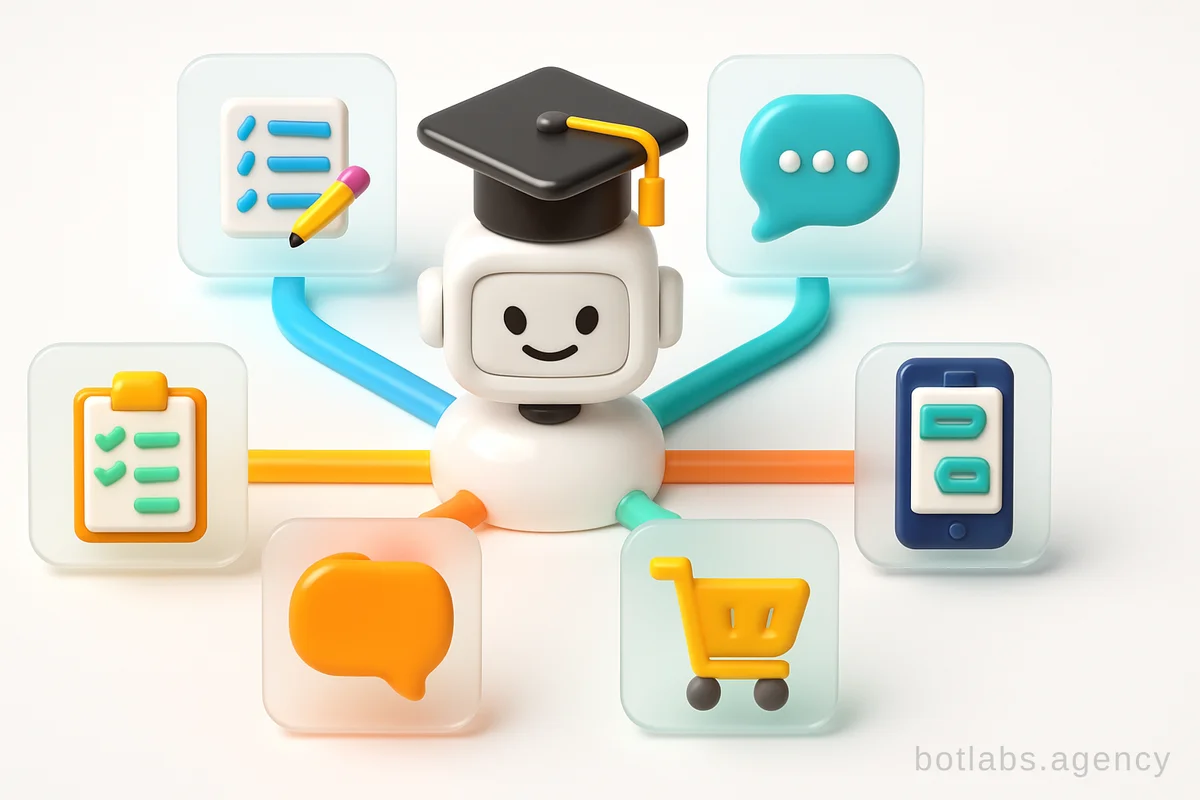
Chatbots have become indispensable tools for digital education. Here's why leading online schools and course creators are embracing them:
- 24/7 Accessibility: Chatbots are always available, allowing students to access course materials, submit assignments, or ask questions at any time—no matter their location or schedule.
- Automation of Routine Tasks: From sending lessons on a schedule to grading quizzes and collecting assignments, chatbots automate repetitive work, freeing educators to focus on higher-value activities.
- Personalization at Scale: Chatbots can tailor recommendations, nudge students based on their progress, and segment audiences for targeted communications—all from the same platform.
- Increased Engagement: Interactive elements like quizzes, polls, and gamified rewards keep students motivated and reduce dropout rates.
- Sales Funnel Integration: Chatbots can guide leads from initial inquiry to enrollment, offering demos, handling payments, and even upselling additional courses.
- Cost Savings: By handling support and onboarding queries, chatbots can reduce operational costs by up to 30%.
Tip: Use a chatbot as your students' first point of contact—it's scalable, always-on, and sets the tone for a smooth digital learning journey.
Must-Have Features of a Chatbot for Online Courses
The most effective educational chatbots combine automation, interactivity, and personalization. Here are the essential capabilities to look for:
- Automated Lesson Delivery: Schedule and send multimedia lessons (text, video, audio) based on user progress or a set timetable.
- Onboarding Flows: Guide new students through registration, orientation, and tech setup, ensuring a seamless start.
- Assignment Submission & Feedback: Enable students to upload homework and receive instant, automated feedback or grades.
- Progress Tracking and Reminders: Remind students about upcoming deadlines, incomplete lessons, or new modules.
- Interactive Assessments: Integrate quizzes, surveys, and knowledge checks with instant results.
- Certification Issuance: Automatically generate and deliver certificates upon course completion.
- Personalized Recommendations: Suggest supplementary materials or advanced courses tailored to individual interests and performance.
- Payment Processing: Allow in-chat payments for course enrollment or upgrades.
- Support Escalation: Seamlessly hand off complex queries to human support if the chatbot cannot resolve them.
Formats: How Chatbots Deliver Learning Content
Chatbots support a variety of content formats to maximize learning effectiveness:
| Format | Use Cases | Example |
|---|---|---|
| Video | Demonstrations, lectures, visual tutorials | Language pronunciation, coding demos |
| Text | Theory, instructions, downloadable files | Step-by-step guides |
| Audio | Language learning, oral exams, podcasts | Pronunciation practice |
| Interactive | Quizzes, polls, gamified challenges | Knowledge checks, competitions |
Modern chatbots can blend these formats, enabling, for example, a sequence where a video lesson is followed by a quiz and a downloadable PDF. This versatility meets diverse learning preferences and keeps students engaged.
Real-World Examples: Chatbots in Action for Education
BotLabs Agency has delivered innovative chatbot solutions for education and youth support. For instance, the Sela Virtual Friend — AI psychological support bot for teens provided 24/7 emotional assistance, interactive learning, and personalized resources to teenagers—demonstrating the power of chatbots to create safe and supportive digital environments.
Another successful case is the Grant-Funded Educational Bot for Children, which automated learning delivery, progress tracking, and feedback for young learners, helping a grant-funded institution scale its impact efficiently.
These cases illustrate how chatbots can:
- Deliver multimedia lessons
- Collect feedback and analytics
- Personalize support and recommendations
- Scale engagement cost-effectively
Implementation Guide: Building Your Educational Chatbot
Ready to launch your own course chatbot? Here’s a practical step-by-step approach:
1. Define Your Goals and Audience
Clarify what you want to achieve—improved engagement, reduced support workload, increased course sales, or all of the above. Understand your target students’ preferred platforms (e.g., Telegram, WhatsApp, Viber).
2. Map Out the Learning Journey
Draft the entire user flow: welcome messages, onboarding, lesson delivery, assessments, feedback loops, and support escalation. Think through every interaction.
3. Choose the Right Platform and Tools
Modern chatbot builders and AI platforms (such as ChatGPT) simplify development. Select tools that support multimedia, branching logic, and integrations with payment gateways or CRM systems. Refer to the comparison of chatbot and mobile app capabilities for platform insights.
4. Develop Content and Scenarios
Prepare lesson content in multiple formats. Script conversational flows that feel natural and helpful. Incorporate interactive components and gamification.
5. Test, Launch, and Iterate
Pilot your chatbot with a small group. Gather feedback, analyze engagement data, and refine scenarios. Regularly update content, fix errors, and add new functionality.
Tip: Always include a clear welcome message and a mini-instruction to help new users understand how to interact with your chatbot.
Best Practices: Maximizing Engagement and Learning Outcomes
- Personalization: Use data to segment audiences and tailor content. For example, recommend advanced modules to high performers or send motivational nudges to those at risk of dropping out.
- Analytics: Leverage chatbot analytics to monitor student progress, identify drop-off points, and optimize course structure.
- Feedback Loops: Regularly solicit feedback to improve both the bot and the course itself.
- Promotion: Announce your chatbot in emails, social posts, and during live sessions to maximize adoption.
- Human Escalation: Ensure users can easily reach a human for complex issues to avoid frustration.
Common Challenges and How to Overcome Them
| Challenge | Solution |
|---|---|
| Limited chatbot logic | Expand scenarios, use AI-powered NLP for flexibility |
| Outdated content | Schedule regular content audits and updates |
| Users confused by bot flows | Provide clear instructions and navigation options |
| Lack of engagement | Add gamification, send timely reminders and rewards |
Tip: Start simple—automate basic tasks first, then gradually add more complex flows as you learn from user interactions.
Case Study Callout: From Onboarding to Upsell
A well-designed chatbot can guide students through every stage of the customer journey. For example, a bot can welcome new signups, deliver orientation, nudge completion of modules, collect feedback, and recommend advanced courses—maximizing both educational outcomes and lifetime value.
Numbered List: Steps to Launch Your Course Chatbot
- Set clear objectives for your chatbot
- Identify your student audience and preferred messaging platform
- Map out all key chatbot interactions (onboarding, lessons, feedback, support)
- Prepare multimedia educational content
- Choose or build your chatbot using a trusted platform
- Test with a pilot group and collect feedback
- Launch broadly and promote via all channels
- Monitor analytics and iterate continuously
Q1: Can chatbots really replace live instructors?
A: Chatbots excel at automating routine tasks and delivering content but work best alongside human educators who provide expertise and mentorship.
Q2: How secure is student data in educational chatbots?
A: Security depends on the platform used. Always choose providers that follow best practices in data privacy and compliance.
Q3: How do I measure chatbot ROI for my online course?
A: Key metrics include engagement rates, course completion rates, support cost reduction, and increased sales or upsells—all easily tracked with most chatbot platforms.
For more detailed strategies and success stories, visit the BotLabs Agency Blog.

Need a chatbot for your business?
We automate your processes and boost sales.