CRM Integration with Chatbots: Unlocking Seamless Business Automation in 2026
Introduction: Why CRM Integration with Chatbots Matters in 2026
In 2026, businesses face higher competition, rising customer expectations, and the need for real-time insights. Integrating chatbots with CRM systems is transforming how companies manage leads, automate support, and drive sales. This synergy enables organizations to deliver personalized, instant communication while streamlining internal workflows and improving customer relationships.
The Business Value of CRM-Chatbot Integration
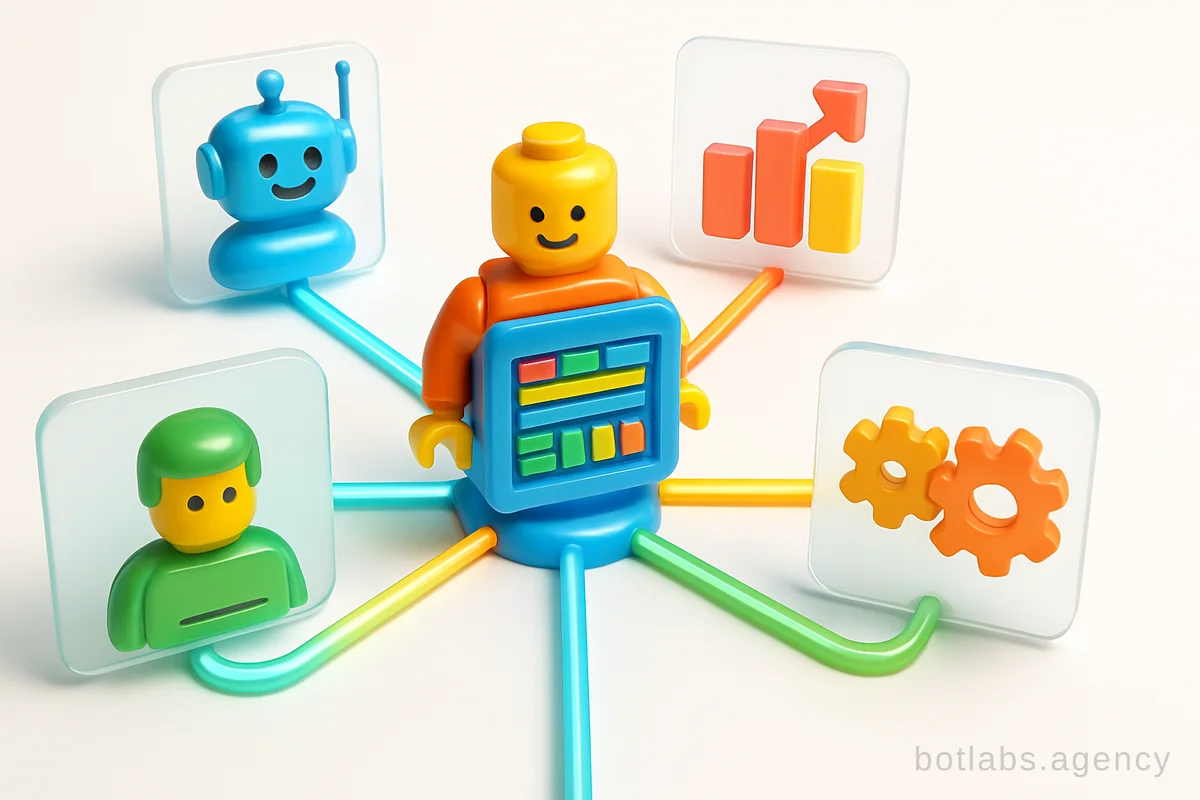
A CRM-chatbot integration creates a single digital touchpoint for all customer interactions. This means conversations, sales data, and service requests flow seamlessly into your CRM, empowering your team with complete customer histories and actionable data.
Benefits Overview
- Real-time lead capture: Chatbots qualify and capture leads 24/7.
- Automated follow-ups: Triggered messages based on CRM status updates.
- Personalized communication: Chatbots access CRM profiles to tailor responses.
- Unified analytics: Combine chat and sales data for better decision-making.
- Reduced manual data entry: Eliminate repetitive admin work.
| Feature | Without Integration | With CRM-Chatbot Integration |
|---|---|---|
| Lead Capture | Manual | Automated 24/7 |
| Data Entry | Staff input | Auto-sync to CRM |
| Personalization | Low | High |
| Analytics | Fragmented | Unified |
| Response Speed | Hours | Seconds |
Real-World Examples: How CRM-Chatbot Integration Drives Results
BotLabs Agency has implemented dozens of CRM-integrated chatbots in industries like retail, healthcare, and B2B. Here are a few standout results:
- Retail Loyalty: Loyalty Chatbot for UA Made retail network integrated with CRM boosted repeat purchases by 34%. The chatbot pushed loyalty rewards and automated reminders, syncing every interaction to the CRM.
- Healthcare Clinics: AstraDent Case Study shows how a chatbot integrated with a clinic’s CRM automated appointment booking, reminders, and patient profiles, reducing no-shows and improving client satisfaction.
- B2B Dealer Support: KLEIBERIT Case Study highlights dealer onboarding and product queries handled by a chatbot with deep CRM integration, streamlining the sales funnel and decreasing manual workload.
Step-by-Step: How to Integrate a Chatbot with Your CRM
Successfully connecting a chatbot to your CRM doesn’t require months of development. Follow these actionable steps:
- Define Objectives: Identify which business goals (lead capture, support automation, feedback collection) your integration should support.
- Map Customer Journeys: Outline the typical customer flow and where chatbots can automate or enhance touchpoints.
- Select the Right CRM: Ensure your CRM has an open API or native chatbot integration capabilities (e.g., Salesforce, HubSpot, Bitrix24).
- Collaborate with Experts: Partner with a team like BotLabs Agency experienced in both chatbot and CRM development.
- Configure Triggers and Workflows: Set up rules for when chatbots should update CRM records, create tickets, or notify staff.
- Test Thoroughly: Simulate user scenarios to catch data sync issues or gaps in automation.
- Monitor & Optimize: Use analytics to refine scripts and workflows for maximum ROI.
Use Cases Across Industries
The flexibility of CRM-integrated chatbots makes them valuable in nearly any sector:
- E-commerce: Automate cart recovery, upsells, and personalized offers.
- Healthcare: Schedule appointments, manage patient data, and send follow-up reminders.
- B2B Sales: Qualify leads, nurture prospects, and hand off hot leads to account managers.
- Education: Enroll students, track engagement, and automate parent communication.
- Fitness & Hospitality: Manage bookings, membership renewals, and feedback collection.
Challenges and Solutions in CRM-Chatbot Integration
While the benefits are clear, successful CRM-chatbot integration isn’t plug-and-play. Common challenges include:
- Data Privacy: Ensure compliance with GDPR and local data laws by limiting data access and logging consent.
- System Compatibility: Legacy CRMs may require API bridges or middleware.
- Change Management: Train staff to use the new workflows and trust automation.
| Challenge | Solution | Impact |
|---|---|---|
| Data Privacy | Consent flows, data minimization | Regulatory safety |
| Compatibility | Middleware, phased integration | Minimized downtime |
| Staff Adoption | Training, clear documentation | User satisfaction |
Measuring ROI: Tracking Success After Integration
The impact of CRM-chatbot integration is measurable. Key performance indicators (KPIs) to monitor include:
- Lead conversion rate
- Average response time
- Customer satisfaction (CSAT)
- Manual workload reduction
- Revenue attributed to bot-driven workflows
BotLabs clients typically see payback within 3-6 months post-integration.

Need a chatbot for your business?
We automate your processes and boost sales.