n8n Automation: The Future of No-Code Business Integration & Workflow Optimization
Introduction: Why n8n is the Automation Platform of 2026
In today’s fast-paced business landscape, the ability to connect, automate, and intelligently manage workflows determines a company's agility and competitiveness. The demand for no-code and low-code solutions is surging, as organizations seek to eliminate bottlenecks, reduce manual work, and integrate a growing array of tools and platforms. Enter n8n: an open-source, visual automation platform that’s democratizing business process automation.
Tip: n8n stands out for its blend of visual simplicity and technical flexibility—making it ideal for both non-developers and power users.
What is n8n? A Visual Lego for Business Workflows
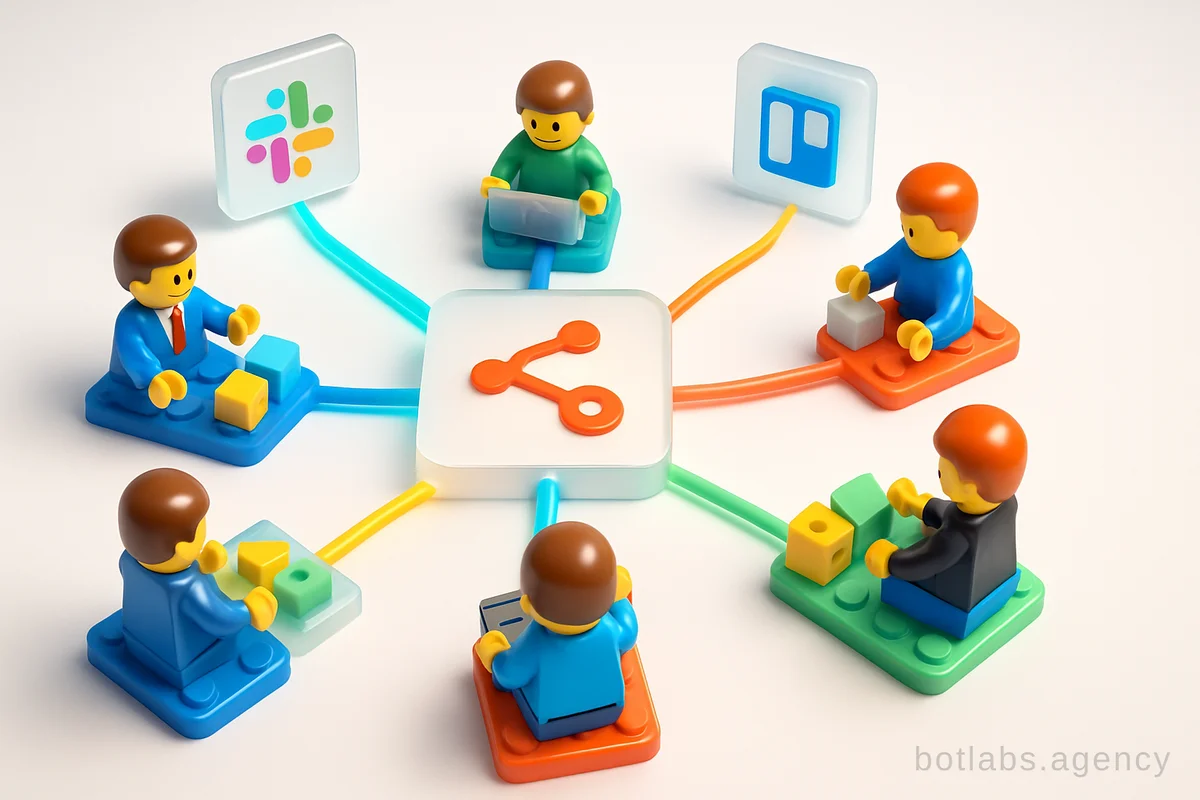
n8n is an open-source workflow automation tool designed to help businesses connect, orchestrate, and automate virtually any combination of apps or systems. Unlike traditional integration tools that require extensive coding or costly licenses, n8n offers a browser-based drag-and-drop interface for building workflows—while still allowing for custom code where needed.
Key Features:
- Visual workflow builder (drag-and-drop nodes)
- 350+ pre-built integrations (APIs, databases, SaaS, messaging, etc.)
- Flexible: combine no-code blocks with JavaScript/Python code
- Open source: deploy on your own infrastructure or use n8n Cloud
- Support for triggers, scheduled tasks, and conditional logic
- Native AI workflow support and evaluation
Example Use Cases:
- Automatically transfer ecommerce orders from marketplaces to ERP or accounting systems
- Sync CRM data with marketing platforms and communication tools
- Enrich security incident tickets and automate IT operations
- Generate customer insights from reviews using AI
n8n in Action: Real-World Integration Scenarios
Let’s break down a typical business process automated with n8n:
Example: Syncing Marketplace Orders to Your ERP (BAS)
- Connect to the Marketplace: Use the "HTTP Request" node to fetch order data (usually in JSON format) from the marketplace API.
- Transform Data: Many ERPs (like BAS) require XML input. Add a "Code" node in n8n to convert JSON orders to XML. AI tools can even help you generate this code!
- Save and Import: Output the XML to a local folder, FTP, or cloud storage. The ERP system picks it up and processes new orders—no manual intervention required.
Table: Typical Automation Flow with n8n
| Step | n8n Node | Example |
|---|---|---|
| Fetch Orders | HTTP Request | API call to marketplace |
| Data Transformation | Code / Function | JSON → XML conversion |
| File Management | Write Binary File | Save XML for ERP import |
| Notification | Telegram/Email | Alert team on new orders |
Why Choose n8n? The Business Case for 2026
1. No-Code, Low-Code Flexibility
Most automation platforms force you to choose: visual builders for non-tech users, or code-heavy solutions for developers. n8n merges these worlds. Build visually, then add custom code if needed—no limitations.
2. Open Source & Data Control
For businesses concerned with data privacy and vendor lock-in, n8n’s open-source model is a game-changer. Deploy on-premises or in your own cloud, with full control over integrations and workflows.
3. Cost Efficiency
n8n offers a free community edition, making it ideal for small and medium businesses. Even the paid cloud version is typically more affordable than Zapier, Make, or IFTTT—especially as your automation needs grow.
4. Security & Compliance
n8n provides enterprise-grade features: SSO, SAML, LDAP, RBAC, audit logs, encrypted secrets, version control, and more. This makes it suitable for regulated industries (finance, healthcare, etc.).
Tip: For mission-critical workflows, use n8n’s versioning and audit features to maintain transparency and compliance.
Top Use Cases: How Businesses Leverage n8n in 2026
1. Marketing Automation
- Automatically segment leads, launch campaigns, and sync analytics across CRM, email, and ad platforms.
2. Sales Operations
- Integrate order management, payment processing, and delivery updates from multiple systems (e.g., e-commerce + banking + logistics).
3. Customer Support
- Route incoming support tickets to the right agents, trigger follow-ups, and update customers via Telegram, WhatsApp, or email.
4. IT and Security
- Enrich security alerts, automate incident responses, and generate real-time dashboards.
5. Personal Productivity
- Set up calendar syncs, automated reminders, and daily summaries from multiple sources.
Table: Who Benefits Most from n8n Automation?
| User Type | Benefit Example |
|---|---|
| Marketers | Launch multi-channel campaigns automatically |
| Entrepreneurs | Reduce manual data entry and errors |
| IT Specialists | Streamline DevOps and incident response |
| Small Businesses | Affordable, flexible automation without SaaS lock-in |
How AI Supercharges n8n Automation
n8n isn’t just about connecting apps—it’s about making workflows smarter. Thanks to built-in AI nodes and integrations, you can:
- Convert natural language prompts into API calls
- Summarize and analyze customer reviews
- Auto-generate code snippets for data transformation
- Evaluate AI outputs and add human-in-the-loop controls
This makes it possible to automate complex tasks (like extracting actionable insights from unstructured data) that previously required skilled developers or data scientists.
Getting Started: Deploying n8n in 2026
n8n can be set up in minutes, whether you’re a solo entrepreneur or an enterprise team.
Installation Options:
- Docker: Run n8n in a container for maximum flexibility and isolation.
- npm: Install globally for quick local development.
- n8n Cloud: Use the official managed service—no setup needed.
Tip: For sensitive data or compliance needs, consider self-hosting n8n on your own infrastructure.
Pros and Cons: Is n8n Right for You?
Advantages:
- Massive library of integrations "out of the box"
- No vendor lock-in; open-source core
- Custom code support (JavaScript/Python)
- Affordable and scalable
Potential Challenges:
- More complex automations may require basic API knowledge
- Large-scale deployments need proper server management
- Initial learning curve for non-technical users
Callout: How n8n Compares to Zapier/Make/IFTTT
| Feature | n8n | Zapier | Make/IFTTT |
|---|---|---|---|
| Open Source | Yes | No | No |
| Self-Hosting | Yes | No | No |
| Custom Code Nodes | Yes (JS/Py) | Limited | No |
| Price (at scale) | Low | High | Medium |
Practical Tips for Successful n8n Automation
- Start Small: Automate a single workflow (e.g., order import) before scaling.
- Use AI Assistance: Leverage AI to generate code for tricky data transformations.
- Monitor & Optimize: Use n8n’s logs, alerts, and dashboards to track workflow performance and catch errors early.
- Document Everything: Version control and clear workflow documentation help future-proof your automations.
Q1: Do I need to be a developer to use n8n?
A1: No! Most workflows are created visually. For advanced customizations, basic coding helps, but AI tools can assist.
Q2: Is n8n secure enough for sensitive business data?
A2: Yes, especially when self-hosted. n8n offers encryption, access controls, audit logs, and enterprise security features.
Q3: How does n8n handle updates and scaling?
A3: Regular updates are released. Scaling is straightforward—deploy across multiple servers or use n8n Cloud for managed growth.
Conclusion
n8n is redefining business automation for 2026—with its open, flexible, and AI-ready platform. Whether you’re a growing startup or an established enterprise, n8n empowers your team to automate, integrate, and innovate—without the bottlenecks of traditional coding or expensive SaaS tools.
---
For more articles on business automation and AI solutions, visit our blog.

Need a chatbot for your business?
We automate your processes and boost sales.