Telegram Mini Apps for Booking: The Future of Seamless Scheduling and Business Automation
Introduction: Why Telegram Mini Apps Are Reshaping Booking & Scheduling in 2026
In the fast-evolving digital landscape, the demand for frictionless customer experience is at an all-time high. Businesses—whether gyms, clinics, restaurants, or service providers—need agile, accessible, and cost-effective solutions for booking and scheduling. Enter the Telegram Mini App: a game-changing technology that merges the power of web apps with the immediacy and reach of a messaging platform boasting over 900 million users. This article explores why 'telegram mini app для запису' (mini app for booking) is rapidly becoming the preferred solution for modern businesses, how it compares to traditional web and mobile apps, and how you can leverage it to automate and grow your business in 2026.
What Is a Telegram Mini App? Core Features & Technology
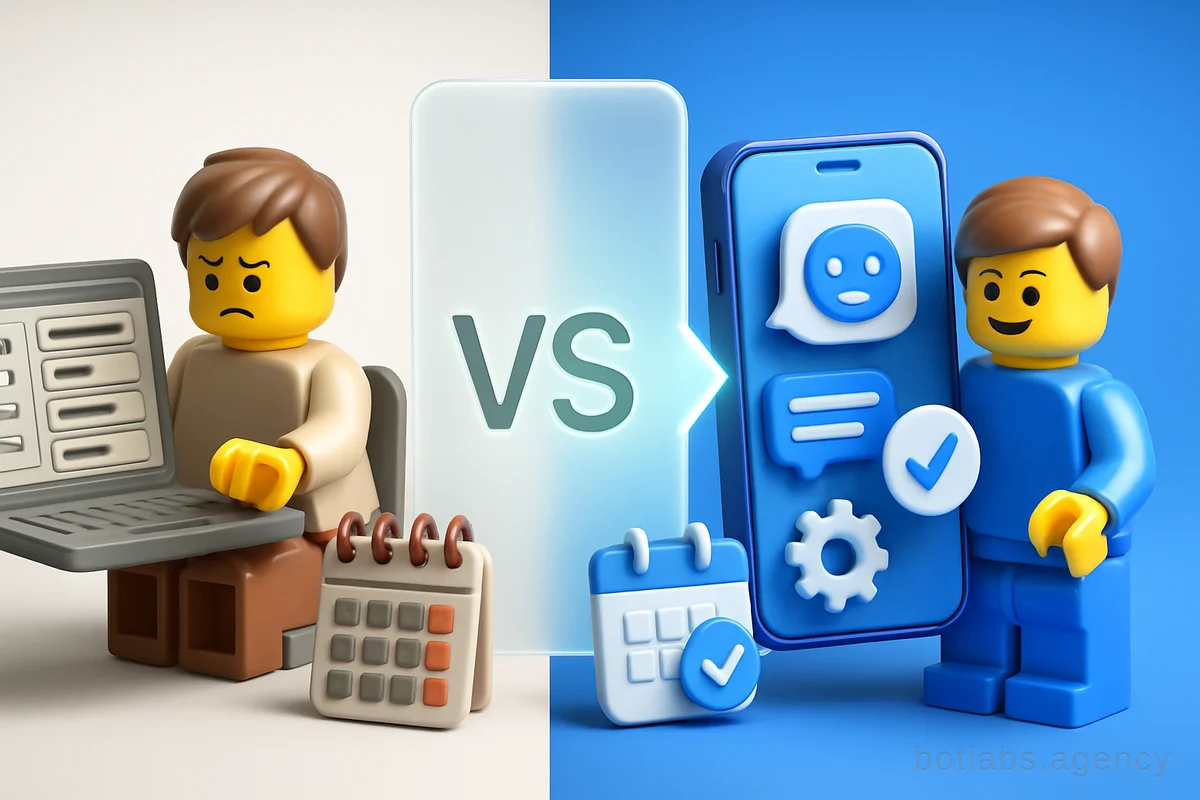
Telegram Mini Apps are web applications built with familiar technologies (HTML, CSS, JavaScript, popular frameworks like React or Vue) that run seamlessly inside the Telegram messenger. Unlike classic bots that interact via text, Mini Apps open rich interactive interfaces—think booking calendars, product catalogs, payment forms—directly in a chat window. Key features include:
- No installation required: Users access the app instantly in Telegram, no downloads or app stores needed.
- Unified authentication: Automatic login via Telegram profile, reducing friction at sign-up.
- Integrated payments: Support for 20+ payment providers (Google Pay, Apple Pay, crypto via TON), enabling both fiat and crypto transactions.
- Deep Telegram integration: Access to user data, sending messages, notifications, and connecting with existing bots.
- Cross-platform: Works the same on iOS, Android, desktop, and web Telegram clients.
Tip: For developers, Mini Apps offer rapid deployment and maintenance compared to mobile apps—no dealing with App Store/Google Play submissions or platform-specific code.
Why Telegram Mini Apps Are Perfect for Booking and Scheduling
User Experience: Frictionless, Fast, Everywhere
A booking or scheduling solution should be intuitive, quick, and available wherever your clients are. Telegram Mini Apps deliver:
- Instant access: No download barrier; users click a link (in a chat, channel, or website) and are immediately inside your booking interface.
- Familiar environment: Most clients already use Telegram daily—trust, notifications, and chat-based reminders come built-in.
- Mobile-first design: Mini Apps adapt perfectly to mobile and desktop, ensuring smooth booking flows on any device.
Business Benefits: Cost, Speed, and Automation
- Lower development & maintenance cost: Building a Mini App is typically 30–50% cheaper than a full-fledged mobile app.
- Faster launch: Most booking Mini Apps can be developed and launched in 2–4 weeks.
- Integrated automation: Connect bookings directly to your CRM, send reminders, process payments, and automate confirmations—all inside Telegram.
Example: AstraDent—AI Chatbot for Dental Clinic leveraged a Telegram-based booking system to automate appointment scheduling, send patient reminders, and answer FAQs 24/7, freeing staff for higher-value tasks.
Comparing Telegram Mini Apps, Web Apps, and Mobile Apps
Let's break down the practical differences:
| Feature | Telegram Mini App | Mobile App | Web App |
|---|---|---|---|
| Installation | None (runs in Telegram) | Required via App Store/Google Play | None (browser) |
| Platform Requirements | Telegram (cross-platform) | iOS/Android (separate codebases) | Any browser |
| Authentication | Telegram profile (auto-login) | Custom (often email/phone) | Custom |
| Push Notifications | Native via Telegram | Native (app-level) | Web push (limited) |
| Payments | 20+ providers, crypto/fiat | In-app (subject to store fees) | 3rd party |
| Development Cost | Low–Medium | High | Low–Medium |
| Approval/Publishing | Telegram bot setup, no stores | App Store/Play review (weeks) | None |
| Updates | Instantly live | User must update app | Instantly live |
Tip: For booking systems, Mini Apps often offer the best mix of speed, user reach, and automation—especially for SMBs and service businesses.
Real-World Use Cases: Booking via Telegram Mini Apps
1. Fitness & Wellness: Automated Class Booking
Gyms and fitness studios are using Telegram Mini Apps to let clients book classes, manage memberships, and receive schedule updates in real time. See how Chatbot for Gym & Fitness Club automated bookings and improved retention.
2. Healthcare: Patient Scheduling & Reminders
Medical clinics are adopting Mini Apps for appointment bookings, triage, and automated reminders. The AstraDent Case demonstrates the impact: 24/7 scheduling, reduced no-shows, and improved patient satisfaction.
3. Restaurants & Hospitality: Table Reservations & Orders
Restaurants are integrating Mini Apps for table reservations, menu browsing, and order management, all within Telegram. Discover more in Chatbot for Restaurants.
4. B2B Services: Automated Booking for Consultations
Consultants and service professionals use Mini Apps to let clients book calls or meetings, integrating directly with calendars and CRM systems. The seamless flow boosts conversion rates and reduces manual admin.
How to Build a Telegram Mini App for Booking: Step-by-Step
Creating a booking mini app combines web development skills with Telegram’s API capabilities. Here’s a simplified roadmap:
- Set up a Telegram Bot: Register via BotFather and get your API token.
- Develop the Mini App UI: Use HTML/CSS/JS frameworks like React or Vue for the booking interface.
- Integrate Telegram Web Apps API: For authentication, access to user data, and notifications.
- Connect to Back-End Logic: Link your app to a CRM or booking database for real-time slot management.
- Add Payment Support: Use Telegram’s payment integrations (Google Pay, Apple Pay, TON for crypto) for paid bookings.
- Host and Deploy: Use platforms like Vercel, Netlify, or your own server (must support HTTPS).
- Test and Launch: Invite beta users, get feedback, and iterate.
Tip: Always design for mobile first—most bookings will happen on smartphones.
Key Metrics to Track for Booking Mini Apps
Success isn’t just about launch—it’s about ROI and user satisfaction. Monitor these metrics:
- DAU/MAU: Daily/Monthly Active Users—gauge adoption and stickiness.
- Conversion Rate: % of users completing bookings.
- Retention Rate: How many users return to book again?
- Session Length: How long does a typical booking take?
- LTV (Lifetime Value): Revenue per user over time.
- No-Show Rate: For appointments, track how reminders affect attendance.
Example Table: Booking Mini App KPIs
| Metric | Typical Value (Booking) | How to Improve |
|---|---|---|
| Conversion Rate | 15–30% | Simplify UI, auto-fill fields |
| Retention Rate | 40–60% | Reminders, loyalty offers |
| No-Show Rate | <10% (with reminders) | Automated notifications |
Monetization and Limits: What to Watch Out For
While Mini Apps offer robust payment and automation features, there are practical considerations:
- Payment commissions: If payments go through Google Play/App Store, expect 15–30% fees. Using Telegram’s own integrations with approved providers can reduce this.
- Platform limitations: Some advanced features (e.g., deep hardware access) aren’t possible within Telegram WebView.
- Regulatory compliance: For healthcare or finance, ensure your Mini App meets data privacy and regional requirements.
Tip: Always check the latest Telegram Mini Apps documentation and local laws before launch.
Case Study: Automating Booking in the Real World
When AstraDent partnered with BotLabs Agency to automate patient scheduling, the results were clear: instant appointment booking, 24/7 availability, and a sharp reduction in staff workload. This approach is replicable for clinics, gyms, and service businesses seeking to modernize and scale operations.
When to Choose a Telegram Mini App vs. Mobile or Web App?
Telegram Mini App is best when:
- Your target audience is active in Telegram.
- You need rapid launch and iteration.
- You want to minimize maintenance and update costs.
- Booking and customer communication should happen in one place.
Mobile App is better when:
- Deep hardware integration (GPS, sensors) is required.
- Offline operation is crucial.
- You need to reach users outside Telegram’s ecosystem.
Web App is best when:
- You need maximum public access (no Telegram account needed).
- Heavy customization and branding are a priority.
See more in Website, App, or Telegram Mini App: Which Platform is Right for Your Business?
Practical Tips for Launching a Booking Mini App
- Focus on speed: Streamline the booking flow to 3–5 clicks max.
- Automate reminders: Use Telegram notifications to cut no-shows.
- Integrate payments: Offer both card and crypto options if possible.
- Track analytics: Implement dashboards for DAU, conversion, and retention.
- Gather feedback: Allow users to rate their booking experience.
Q1. Can a Telegram Mini App replace my booking website or mobile app?
A: For many service businesses, yes. Mini Apps offer most booking features at lower cost and with better engagement. Evaluate your audience’s habits first.
Q2. How secure are Mini Apps for payments and data?
A: Telegram enforces HTTPS, supports secure payments, and restricts data access to authorized bots. Still, partner with experienced developers.
Q3. What is the typical development timeframe for a booking Mini App?
A: With an experienced team, 2–4 weeks is common for a robust MVP. Custom features may take longer.
---
Ready to automate your bookings? Get a free consultation with BotLabs Agency
Or view our case studies for more real-world examples.

Need a chatbot for your business?
We automate your processes and boost sales.