CRM Automation in 2026: How Automated Customer Relationship Management Drives Business Growth
Introduction: Why CRM Automation Is a Game Changer in 2026
In today's hyper-competitive landscape, customers expect lightning-fast responses, seamless service, and highly personalized experiences. For businesses, meeting these demands is impossible without automation, especially in the realm of Customer Relationship Management (CRM). In 2026, CRM automation is not just a technology trend—it's the operational backbone that powers sales, marketing, service, and long-term growth.
This article explores what CRM automation is, why it matters, and how companies of all sizes leverage it to outperform competitors. We'll dive into real-world case studies, practical strategies, and the latest AI-driven innovations.
Tip: Want to see automation in action? Explore how BotLabs Agency automated dealer support for KLEIBERIT, boosting efficiency across a B2B network.
---
What Is CRM Automation?
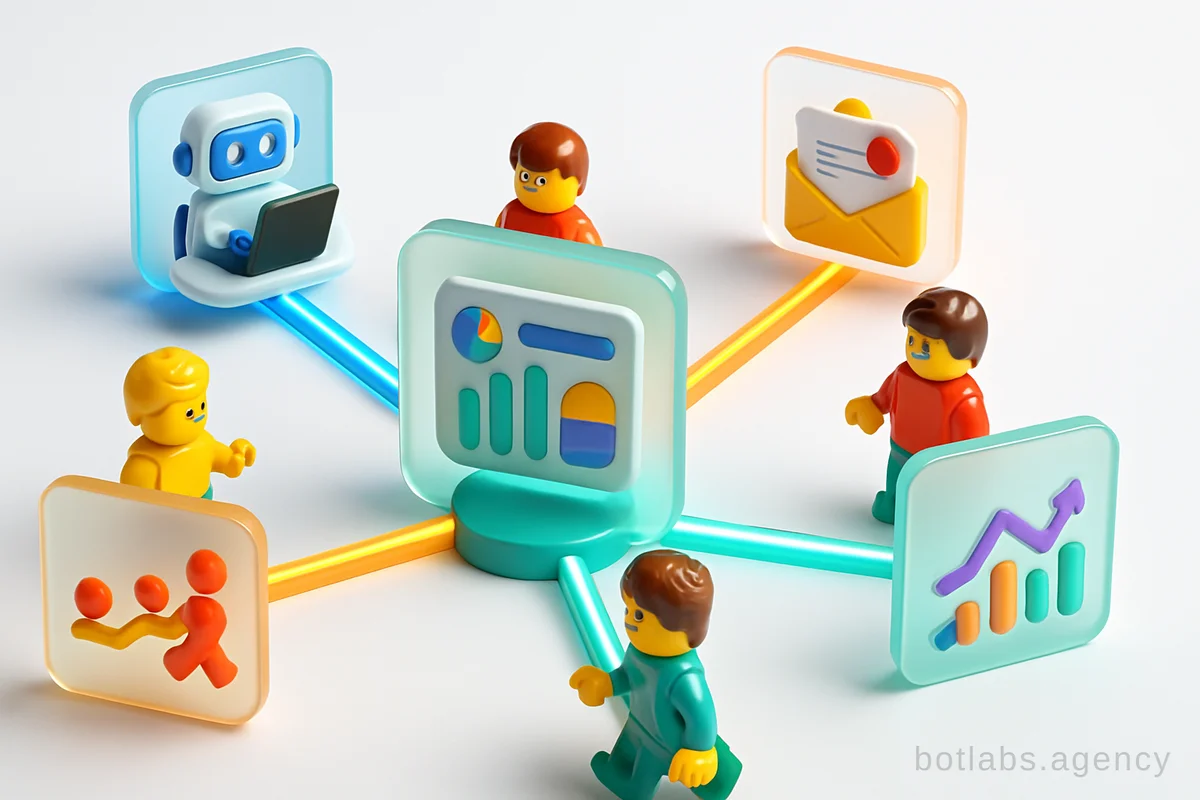
CRM automation refers to the use of software and AI tools to streamline, simplify, and optimize every step of the customer lifecycle—from lead capture to repeat sales. Unlike old-school CRM systems that served as digital address books, modern CRM platforms execute complex workflows automatically: sending reminders, updating statuses, routing tasks, generating reports, and even communicating with clients via chatbots or email.
Core Components of CRM Automation
- Process Automation: Automates repetitive tasks such as follow-ups, meeting reminders, document generation, and status updates.
- Data Centralization: Ensures all customer interactions, preferences, and purchase histories are unified and accessible in real time.
- Smart Communication: Uses AI to segment audiences, personalize outreach, and trigger messages based on behavior or milestones.
- Real-Time Analytics: Delivers instant insights into sales pipelines, marketing performance, and customer satisfaction.
- No-Code/Low-Code Configuration: Empowers businesses to adapt processes quickly without needing developers.
| CRM Automation Element | Description | Business Impact |
|---|---|---|
| Lead Capture | Automated forms, chatbots, integrations | Faster response, no lost leads |
| Sales Pipeline | Auto status updates, reminders | Reduced manual effort, better conversion |
| Customer Support | AI chatbots, ticket routing | 24/7 service, faster resolution |
| Reporting & Analytics | Real-time dashboards, AI insights | Informed decisions, proactive action |
Why Automation Matters: Business Benefits Explained
The business case for CRM automation is crystal clear. Here’s what companies achieve after automating their CRM processes:
- Higher Sales and Conversion Rates: Automated lead scoring and follow-up ensures that no opportunity slips through the cracks. For example, after automating loyalty programs, UA Made retail network saw a 34% increase in repeat purchases.
- Reduced Operational Costs: Automation eliminates manual data entry and routine admin work, freeing up staff for higher-value tasks.
- Enhanced Customer Retention: Personalization and timely communication foster loyalty and boost lifetime value.
- Improved Data Accuracy: Automated systems reduce human error, making analytics and reporting more reliable.
- Scalability: As your business grows, automated processes handle increased volume without extra staff.
Case in Focus: AstraDent, a leading dental clinic, automated appointment booking and reminders, cutting no-shows and improving patient satisfaction.
Types of CRM Automation: Matching Tools to Your Business Needs
Not all businesses need the same level of automation. Here’s a quick guide to the main types:
1. Operational CRM Automation
Focuses on day-to-day customer interactions: contact management, sales workflows, customer service, and automated communications.
Example: Automating class bookings and membership management at fitness clubs, as detailed in this case study, leads to higher retention and streamlined operations.
2. Analytical CRM Automation
Leverages data to analyze customer behavior, sales trends, and campaign ROI. AI-powered analytics can forecast demand, identify churn risks, and segment customers for targeted marketing.
3. Collaborative CRM Automation
Enables information sharing and coordinated action across departments—sales, marketing, support, and operations—ensuring everyone works from the same up-to-date data.
4. AI-Driven CRM Automation
Next-generation CRMs embed artificial intelligence to automate decision-making, personalize offers, and even generate marketing content or proposals with minimal human intervention.
How CRM Automation Works: From Theory to Practice
Let’s break down a typical automated CRM workflow:
- Lead Capture: A website form or chatbot collects customer info, which is instantly added to the CRM.
- Qualification: AI scores the lead based on predefined criteria.
- Follow-Up: Automated emails or messages are sent at optimal times.
- Task Assignment: Sales reps are notified to take personalized action.
- Pipeline Progression: As deals move, statuses and reminders update automatically.
- Reporting: Management dashboards update in real time, showing conversion rates, bottlenecks, and revenue forecasts.
Table: Manual vs. Automated CRM Workflow
| Step | Manual Workflow | Automated Workflow |
|---|---|---|
| Lead Entry | Entered by staff | Captured via forms/chatbot |
| Lead Scoring | Sales rep reviews | AI auto-scores |
| Follow-up | Sent manually | Automated email/message |
| Data Updates | Prone to delay/error | Real-time, error-free |
| Reporting | Built in Excel | Live dashboards, AI insights |
Tip: Start with automating the most repetitive, time-consuming tasks—like sending reminders or updating deal statuses. Expand to more complex workflows as your team adapts.
Key Features to Look for in a CRM Automation Platform (2026 Edition)
- Unified Customer Database: All touchpoints (email, chat, phone, social) feed into a single profile.
- Omnichannel Automation: Seamless communication across messengers, apps, and email.
- AI-Enhanced Analytics: Predicts trends, identifies opportunities, and suggests actions.
- Workflow Builder: Drag-and-drop tools for designing custom automations without coding.
- Integration Capabilities: Connects with ERP, telephony, e-commerce, and marketing tools.
- Security and Compliance: Data protection, privacy, and user access controls.
Real-World Results: CRM Automation Case Studies
1. Retail & Loyalty Automation
UA Made’s loyalty chatbot automated loyalty program enrollment and personalized rewards, resulting in a 34% increase in repeat purchases.
2. Healthcare Automation
AstraDent’s AI chatbot automated appointment scheduling, reminders, and FAQs—reducing no-shows and boosting patient retention.
3. B2B Dealer Support
KLEIBERIT’s automated dealer support chatbot streamlined product spec searches and order processing, freeing up staff for high-value support.
Tip: Explore more industry-specific automation examples in our blog.
Implementing CRM Automation: Best Practices
- Map Your Processes: Identify repetitive tasks and customer touchpoints to automate.
- Set Clear Goals: Define what success looks like—faster response times, higher sales, improved retention.
- Start Simple: Roll out automation for high-impact, low-complexity tasks first.
- Train Your Team: Ensure staff understand and embrace new workflows.
- Monitor & Refine: Use analytics to measure impact and optimize.
The Future of CRM Automation: AI, No-Code, and Beyond
By 2026, CRM automation is deeply integrated with AI, voice assistants, and no-code platforms. Businesses of all sizes can:
- Deploy autonomous AI agents for lead nurturing, sales support, or customer service.
- Rapidly adapt workflows without developer bottlenecks.
- Orchestrate omnichannel journeys across chat, voice, and apps.
As digital transformation accelerates, the winners will be those who embed automation into every customer interaction, using CRM as both a command center and growth engine.
Callout: Why Choose BotLabs Agency?
- Rapid Implementation: Custom CRM bots live in 2-4 weeks
- Transparent Pricing: No hidden fees
- Ongoing Support: From analysis to deployment and beyond
- Proven Results: 300+ client successes across industries
Get a free CRM automation consultation today.
Q1: Is CRM automation only for large enterprises?
No—modern CRM automation platforms are scalable and accessible for small and medium businesses as well. Even a simple automated follow-up can deliver major ROI.
Q2: How does CRM automation improve sales?
Automation ensures every lead is nurtured and followed up promptly, increasing conversion rates and helping sales teams focus on closing deals, not admin work.
Q3: Can I integrate CRM automation with my existing tools?
Yes—leading CRM platforms offer robust integrations with telephony, e-commerce, marketing tools, and more.
---
Explore more on automation and digital transformation in our blog and FAQ.

Need a chatbot for your business?
We automate your processes and boost sales.