No-Code Automation in 2026: How AI-Powered Tools Are Transforming Business Workflows
Introduction: The Age of No-Code Automation
In 2026, automation isn’t just a buzzword—it's a strategic advantage. The rise of no-code automation tools powered by artificial intelligence (AI) has democratized access to powerful business workflows, enabling organizations of any size to automate processes, boost productivity, and drive ROI—often without writing a single line of code. Whether you’re a small business owner, a marketing manager, or an enterprise operations leader, no-code automation puts the power of AI into your hands.
What is No-Code Automation?
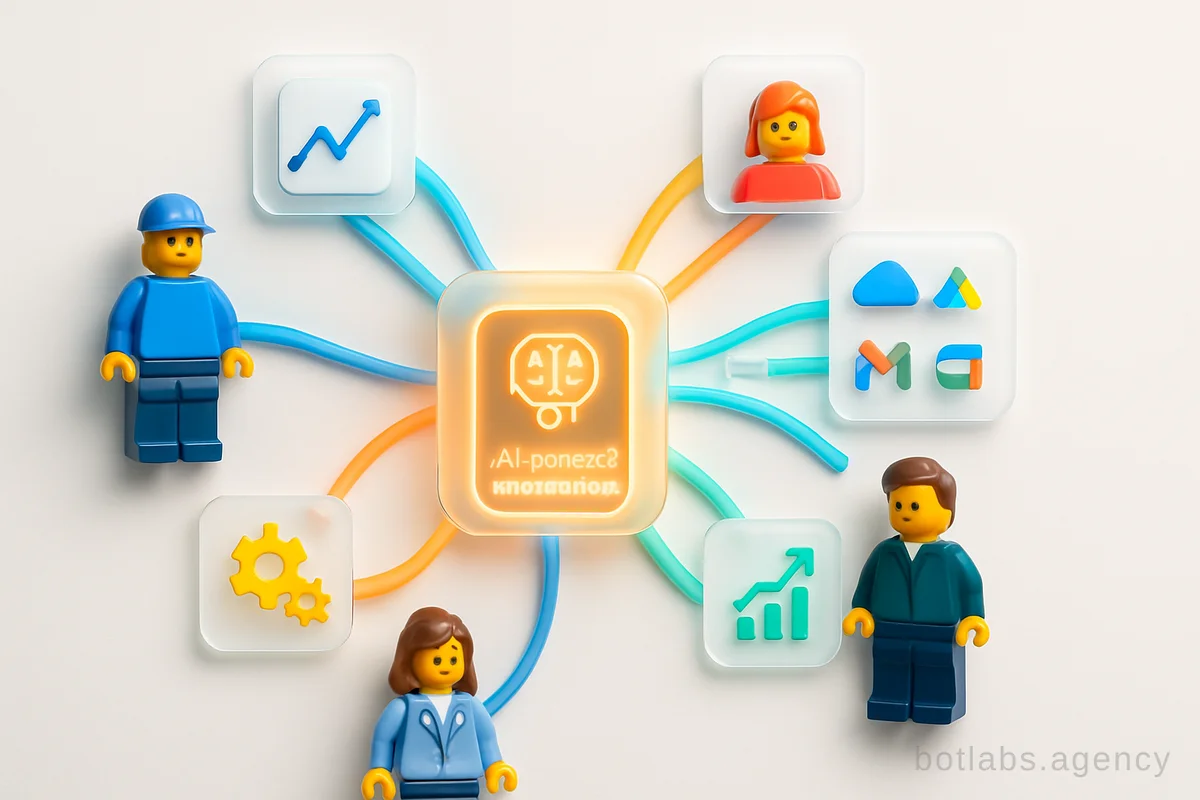
No-code automation tools are platforms that allow users to create, orchestrate, and manage automated workflows using intuitive visual interfaces instead of traditional programming. These tools connect apps, APIs, and data sources, letting users design complex processes with drag-and-drop simplicity. In many cases, AI is built in—handling tasks like data extraction, decision-making, content generation, and intelligent routing.
Example: Imagine a sales manager automating the process of qualifying leads, updating the CRM, and triggering personalized follow-ups, all without developer support. With a no-code automation tool, this workflow can be built in an afternoon rather than weeks of engineering.
Tip: If you can clearly articulate your workflow, you can automate it without code—a core principle of modern no-code platforms.
Why Businesses Are Adopting No-Code Automation
The benefits of no-code automation extend across industries:
- Cost Reduction: Save on developer resources and manual labor.
- Implementation Speed: Launch new automations in hours, not weeks.
- Empowerment: Give non-technical staff the tools to solve their own problems.
- Scalability: Start with one workflow, scale to entire departments as needs grow.
Case in Point: UA Made retail network implemented an automated loyalty chatbot, increasing repeat purchases by 34%—all with automation technology that didn’t require a specialist coding team.
Key Features of Leading No-Code Automation Tools
When evaluating platforms, look for:
| Feature | Why It Matters |
|---|---|
| Visual Interface | Enables anyone to design workflows without coding |
| AI Integration | Allows for smarter, context-aware automation |
| Prebuilt Integrations | Connects seamlessly to your existing tools and data sources |
| Security & Compliance | Protects sensitive data; supports regulatory requirements (SOC2, HIPAA, GDPR) |
| Scalability & Hosting Options | Ensures performance as you grow; cloud deployment preferred |
| Testing & Versioning | Lets you safely test, iterate, and roll back automations |
| Observability & Audit Logs | Monitors process health and satisfies compliance needs |
Tip: Always choose a platform with robust API integrations—it ensures your automations can touch every part of your tech stack.
Top No-Code Automation Tools in 2026
Here’s a curated list of standout platforms, each with unique strengths:
- Gumloop — AI-native, plain English workflow builder, strong LLM integration, affordable pricing. Ideal for solo operators to enterprise teams. [Free plan, Pro starts at $37/month]
- Zapier — The veteran of no-code automation, connects 6,000+ apps, great for cross-app workflows. Best for non-technical teams.
- Make — Advanced visual builder with multi-branch logic. Good for complex, high-volume automations.
- n8n — Open-source with optional low-code scripting. Best for technical teams wanting customization.
- Vellum AI — Specializes in AI workflow standardization, versioning, and governance. Designed for organizations scaling AI automations.
- Power Automate — Microsoft’s enterprise-grade workflow platform, integrates with Office 365 and Azure.
- Workato — Focuses on enterprise integrations and complex automations. Known for security and compliance.
- Apify, Clay, Pabbly, Arahi AI — Each offers unique AI/niche features for specific industries or needs.
Table: Quick Comparison of Top No-Code Automation Tools
| Platform | Best For | AI Capabilities | Price Range | Notable Strength |
|---|---|---|---|---|
| Gumloop | All business sizes | LLM-native | Free–$37+/month | AI agent builder |
| Zapier | Non-technical teams | Integrates OpenAI | Free–$50+/month | 6,000+ integrations |
| Make | Ops, complex flows | Some AI modules | Free–$34+/month | Multi-branch logic |
| n8n | Tech teams | Custom scripts | Free–$24+/month | Open source |
| Vellum AI | Org-wide AI scaling | Built-in evals | Custom | Versioning, testing |
| Power Automate | Enterprise, MS stack | Azure AI | $15+/month | Office integration |
| Workato | Enterprise | Data enrichment | Custom | Compliance, security |
How AI Supercharges No-Code Automation
No-code tools are now AI-native, meaning they use large language models (LLMs) for:
- Reasoning through multi-step workflows
- Reading and classifying text or documents
- Making smart decisions (e.g., intent-based routing)
- Generating content (emails, reports, summaries)
Example: An HR team can set up an onboarding workflow that automatically reads submitted documents, classifies them, and sends personalized welcome emails—without a developer.
Real-World Use Cases Across Industries
Let’s look at practical examples from BotLabs Agency clients and beyond:
- Retail & E-commerce
- UA Made’s loyalty chatbot automated customer engagement, leading to a 34% repeat purchase increase.
- Stolichnaya Jewelry Factory uses automation for catalog browsing and loyalty management.
- Healthcare
- AstraDent’s AI chatbot automates appointment bookings, reminders, and FAQs, freeing staff for patient care.
- Medical clinic bots handle triage, scheduling, and support 24/7.
- Education & Non-Profit
- Grant-funded educational bots automate learning support, progress tracking, and reporting.
- B2B & Industrial
- KLEIBERIT’s dealer support bot automates product searches and order processing for a global dealer network.
- Hospitality & Fitness
- AI-powered restaurant chatbots and fitness club bots automate bookings, menus, and client management.
How to Choose the Right No-Code Automation Platform
Use this step-by-step checklist:
- Define Your Workflow: Clearly articulate the process you want to automate.
- List Required Integrations: Identify the apps/services the platform must connect with.
- Assess AI Needs: Do you need document reading, language understanding, or content generation?
- Evaluate Security: Check for compliance certifications and access controls.
- Test Usability: Try the visual builder—can your team use it easily?
- Consider Scalability: Will the platform handle more users and data as you grow?
- Pilot and Measure: Run a test workflow and monitor results before a full rollout.
Tip: Many platforms offer free trials. Use them to build a real workflow and evaluate the experience firsthand.
Key Trends in No-Code Automation for 2026
- AI-Native Automation: More platforms integrate LLMs and reasoning into their core features.
- Hybrid Logic: Users can mix traditional rules with AI-driven decision-making.
- Observability: Built-in tracing, versioning, and metrics make debugging and improvement easier.
- Security & Compliance: Enterprise-grade controls are standard, enabling use in regulated industries.
- Reusable Components: Flows, intents, and sub-processes can be packaged and reused across teams.
Practical Tips for Automation Success
- Start Small: Automate one high-impact process before scaling up.
- Involve Stakeholders: Get input from end-users early to ensure the tool fits real needs.
- Document Workflows: Maintain clear documentation for future updates and onboarding.
- Monitor & Optimize: Use dashboard analytics to track ROI and spot bottlenecks.
Callout: Boosting ROI with Automation
Businesses leveraging no-code automation have reported up to 40% reduction in manual workload and a 25% increase in operational efficiency within the first six months of adoption.
Q1: Can I automate business processes without any coding experience?
A1: Yes! Modern no-code automation tools are designed for non-technical users. With drag-and-drop builders and AI assistants, anyone can create powerful workflows.
Q2: How secure are no-code automation platforms?
A2: Leading platforms encrypt data, offer role-based access controls, and comply with major standards (SOC2, GDPR, HIPAA). Always check for certifications relevant to your industry.
Q3: What’s the typical ROI for businesses implementing no-code automation?
A3: Most businesses see measurable ROI within months—lower operational costs, increased efficiency, and faster time-to-market for new processes.
---
Ready to explore automation for your business? Get a free consultation with BotLabs Agency or browse our portfolio of successful chatbots to see real-world results.

Need a chatbot for your business?
We automate your processes and boost sales.