When Does Your Business Need Automation? Key Signs, Benefits, and Real-World Cases in 2026
Introduction: Why Automation is a Must in 2026
The business landscape in 2026 is defined by rapid change, workforce shortages, and the relentless pressure to do more with less. Companies, regardless of size or industry, are rethinking how they operate to stay resilient and competitive. Automation has evolved from a competitive advantage to a necessity—especially as decision-makers grapple with manual bottlenecks, rising labor costs, and the need for scalability.
But how do you know when your business truly needs automation? Let’s break down the key signs, decision criteria, and practical approaches—backed by real-world cases from leading organizations.
What Is Business Automation?
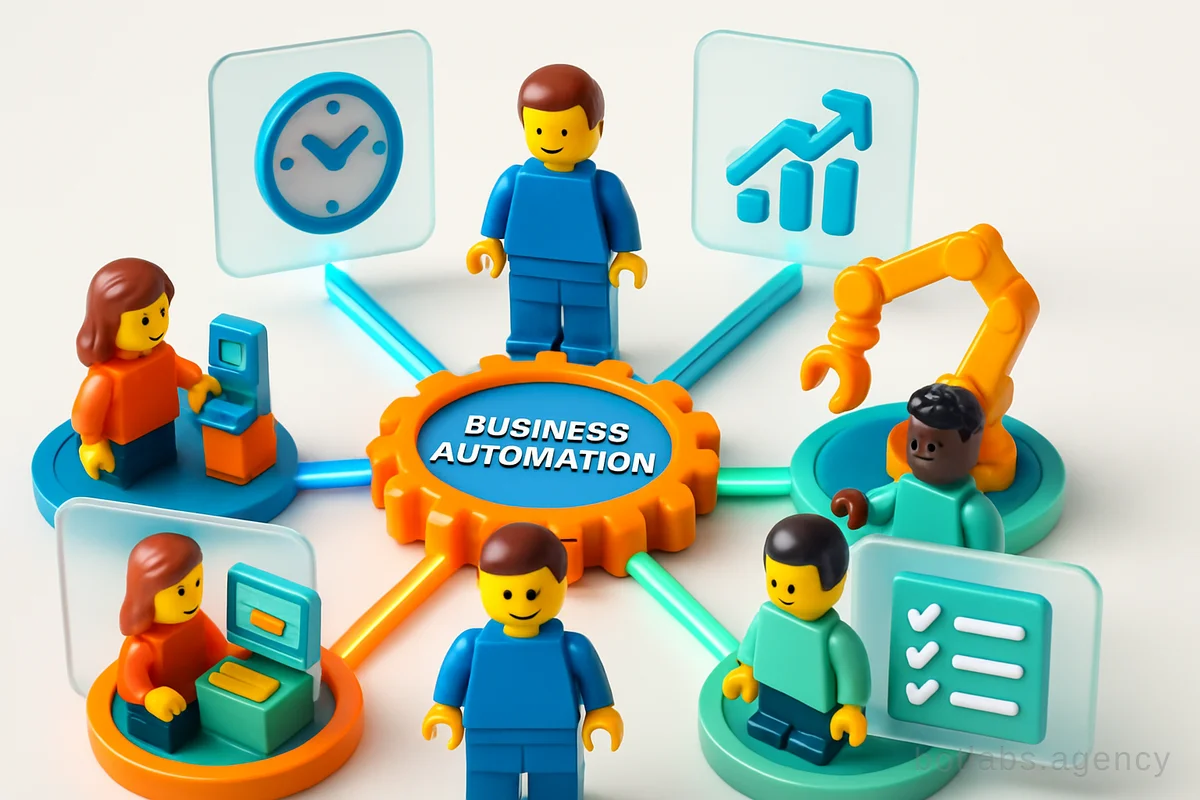
Business automation refers to the use of digital technologies and software to execute recurring tasks or processes with minimal human intervention. It’s not just about replacing manual labor: automation streamlines workflows, reduces errors, and provides a foundation for business growth. At its core, automation means transforming your business from a collection of ad-hoc tasks into a resilient, predictable system.
Tip: Start by mapping out your core processes. Identify areas of repetitive manual work, data entry, or communication gaps. These are prime candidates for automation.
Signs Your Business Needs Automation
Knowing when to automate is as important as knowing how. Here are the top indicators your business is ready:
- Manual Repetition Eats Time: Employees spend hours on tasks like data entry, invoice creation, or customer queries, which could be handled automatically.
- High Error Rates: Frequent mistakes in orders, payments, or reporting are traced back to manual processes.
- Growth Strains Operations: Scaling up means extra workload, but hiring more staff isn’t sustainable.
- Communication Breakdowns: Important info is scattered across emails, spreadsheets, and chats, slowing response times.
- Delayed Decision-Making: Lack of real-time data makes it tough to respond to market changes.
- Compliance Risks: Manual processing leads to missed steps or regulatory issues.
Table: When to Automate? Quick Checklist | Indicator | Manual Process | Automated Solution | |-------------------------------|-----------------------|--------------------------| | Data entry errors | Frequent | Rare | | Time spent on reporting | Hours per week | Minutes per week | | Response time to clients | Slow (>1 hour) | Instant (<1 min) | | Onboarding new staff | Unstructured/manual | Guided/automated | | Scaling capacity | Staff needed | Processes scale easily |
Which Processes to Automate First
Not every process needs automation right away. The most impactful areas share three traits: they’re repetitive, critical, and error-prone. Here’s where to start:
1. Financial Operations
- Invoice Generation & Payments: Automated invoice creation, validation, and payment reminders reduce errors and speed up cash flow.
- Expense Approvals: Staff can submit requests via apps, with automatic approvals based on rules.
- Reporting: Auto-generated profit & loss, cash flow, and balance sheets provide owners with real-time insights.
2. Sales & CRM
- Lead Processing: Automatically capture inquiries from websites, marketplaces, and messengers, routing them to the right manager.
- Pipeline Management: Use rules to highlight hot leads and automate follow-ups.
3. Inventory & Logistics
- Stock Tracking: Automate inventory counts, reorder alerts, and delivery status updates.
- Order Processing: Integrate orders from all sales channels into one system.
4. HR & Onboarding
- Employee Onboarding: Automate document collection, training modules, and provisioning of accounts.
- Payroll: Automated timesheets and salary calculations.
5. Customer Support
- Chatbots & Self-Service: Automate FAQs, appointment bookings, and support requests.
Tip: Start with a simple, high-frequency process. Small wins build confidence and buy-in for larger automation projects.
Automation in Action: Case Studies from BotLabs Agency
Real-world examples illustrate how automation delivers ROI across industries.
Loyalty Chatbot for UA Made Retail Network
UA Made, a national retail chain, partnered with BotLabs Agency to automate their loyalty program in Telegram. The result? A 34% increase in repeat purchases, thanks to instant bonus management and personalized offers. Read the case study.
AstraDent: AI Chatbot for Dental Clinic
For AstraDent, a leading dental clinic, BotLabs implemented an AI chatbot to automate patient appointment booking, FAQs, and reminders. This cut down staff workload and improved patient experience. More details.
B2B Dealer Support: KLEIBERIT
KLEIBERIT, an international adhesives manufacturer, automated dealer support, product search, and orders via a custom chatbot. This streamlined their B2B operations, reducing response times and manual errors. See how it works.
The Business Case: Automation ROI and Competitive Edge
Automation doesn’t just save time—it delivers measurable business value:
- Time Savings: Staff can focus on value-added tasks, not routine admin.
- Reduced Costs: Fewer errors mean less rework, lower transaction costs, and reduced staffing needs.
- Scalability: Processes handle higher volumes without proportional staff increases.
- Improved Customer Experience: Faster response times and consistent quality boost loyalty.
- Data-Driven Decisions: Automated systems generate real-time analytics for faster, more informed choices.
Callout: Case in Point: In the Jewelry Factory chatbot project, automating order processing and catalog browsing enabled the manufacturer to serve more customers with the same team, while offering a seamless loyalty program.
Common Pitfalls and How to Avoid Them
Automation isn’t a magic bullet—here are typical mistakes and tips to sidestep them:
- Trying to Automate Everything at Once: Focus first on processes with the highest impact.
- Ignoring Change Management: Train your team and communicate the benefits.
- Choosing Wrong Tools: Evaluate solutions for integration, scalability, and ease of use.
- Lack of Process Clarity: Document workflows before automating.
- Underestimating ROI Analysis: Track cost savings and productivity gains from day one.
Tip: Pilot automation with one department, measure results, and iterate. Involve end-users early for smoother adoption.
Custom vs. Off-the-Shelf Automation Solutions
Should you buy ready-made tools or build custom solutions? Here’s a quick comparison:
| Parameter | Off-the-shelf | Custom-built |
|---|---|---|
| Speed to Deploy | Fast | Slower |
| Cost (initial) | Lower | Higher |
| Flexibility | Limited | Full |
| Integration Ease | Varies | Tailored |
| Scalability | May have limits | Designed for your growth |
Tip: For unique workflows or industry-specific needs, custom automation pays off long-term, even with higher upfront investment.
Measuring Success: How to Track Automation Impact
Key metrics include:
- Time saved per process
- Error rate reduction
- Increased transaction volume per employee
- Customer satisfaction (NPS, response time)
- ROI (payback period, ongoing savings)
Case studies show most successful automation projects pay back within 6–18 months.
Building a Resilient, Scalable Business in 2026
Uncertainty is the new normal. Automation gives businesses the resilience to adapt to staff changes, market shocks, and operational disruptions. It’s the backbone for growth, letting teams focus on strategy and innovation.
Want to see what automation could look like for your business? Get a free consultation from BotLabs Agency.
---
Q1: How do I choose which process to automate first?
Start with high-frequency, repetitive tasks that directly impact revenue or costs, such as invoicing, order processing, or lead management.
Q2: How long does it take to see ROI from automation?
Most projects show results within 6–18 months, depending on process complexity and scale.
Q3: What are the risks of automation?
Risks include poor process mapping, lack of team buy-in, or mismatched tools. Mitigate them by starting small, involving staff, and tracking outcomes.
For more guidance on automation and digital transformation, check out the BotLabs Blog.

Need a chatbot for your business?
We automate your processes and boost sales.